
Google Business Profile Setup Pakistan: Get on Google Maps
A complete guide to Google Business Profile setup Pakistan: verify your listing, add photos and reviews, and rank higher on Google Maps in Lahore, Karachi and Islamabad.
On this page (9) +
A proper Google Business Profile setup Pakistan business owners can finish in one evening is the fastest free way to get customers from Google Maps. It costs nothing, needs no technical skill, and puts your shop, clinic or restaurant in front of people searching nearby on their phones.
Most Pakistani customers never visit your website first. They open Google Maps, type "salon near me" or "dental clinic DHA", and tap whichever listing looks complete and trustworthy. If your business is missing, those customers walk into your competitor's shop. This guide walks you through every step, from creating the listing to ranking higher on the map.
Why Google Business Profile Setup Pakistan Matters
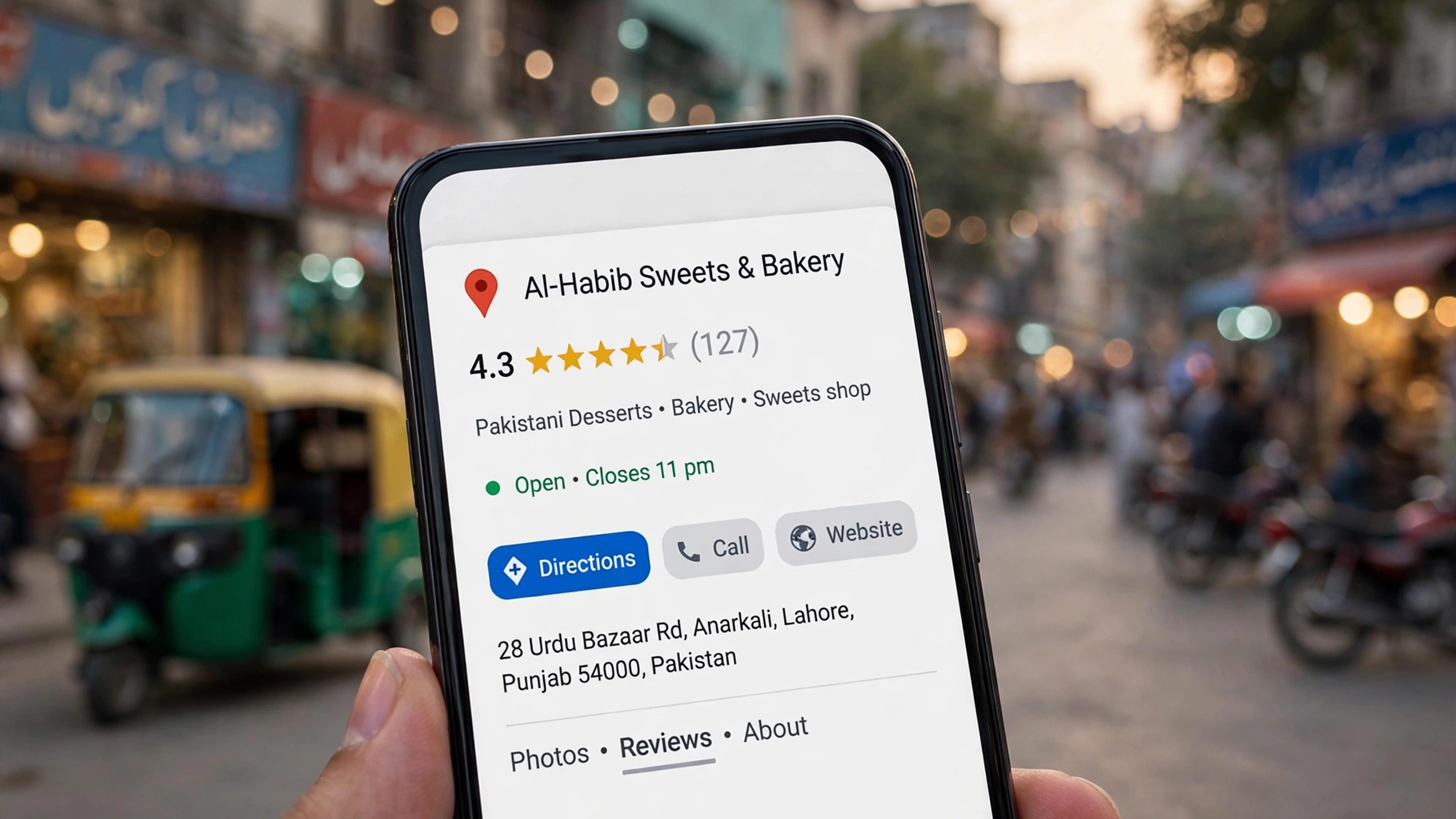
Google Business Profile, which most people still call Google My Business Pakistan, is the free listing Google shows for local businesses. It appears with your map location, photos, reviews, phone number, hours and website link whenever someone searches for what you sell.
In Pakistan this listing matters more than in most countries. Mobile data is how most people go online, Google Maps is how they find addresses, and WhatsApp is how they contact you. With Google Business Profile setup Pakistan shops connect all three: directions bring customers to the door, tap-to-call starts the conversation, and reviews build trust before the visit.
Google shows map results above regular website results for local searches, so your profile often matters more than your website for walk-in customers. Businesses with complete profiles get far more calls and direction requests than those with empty ones.
Google Business Profile Setup Pakistan: Create Your Listing
Start at the Google Business Profile website on your phone or computer. Sign in with a Gmail account owned by the business, not a personal email or an employee's account. This small detail prevents painful problems later if staff leave.
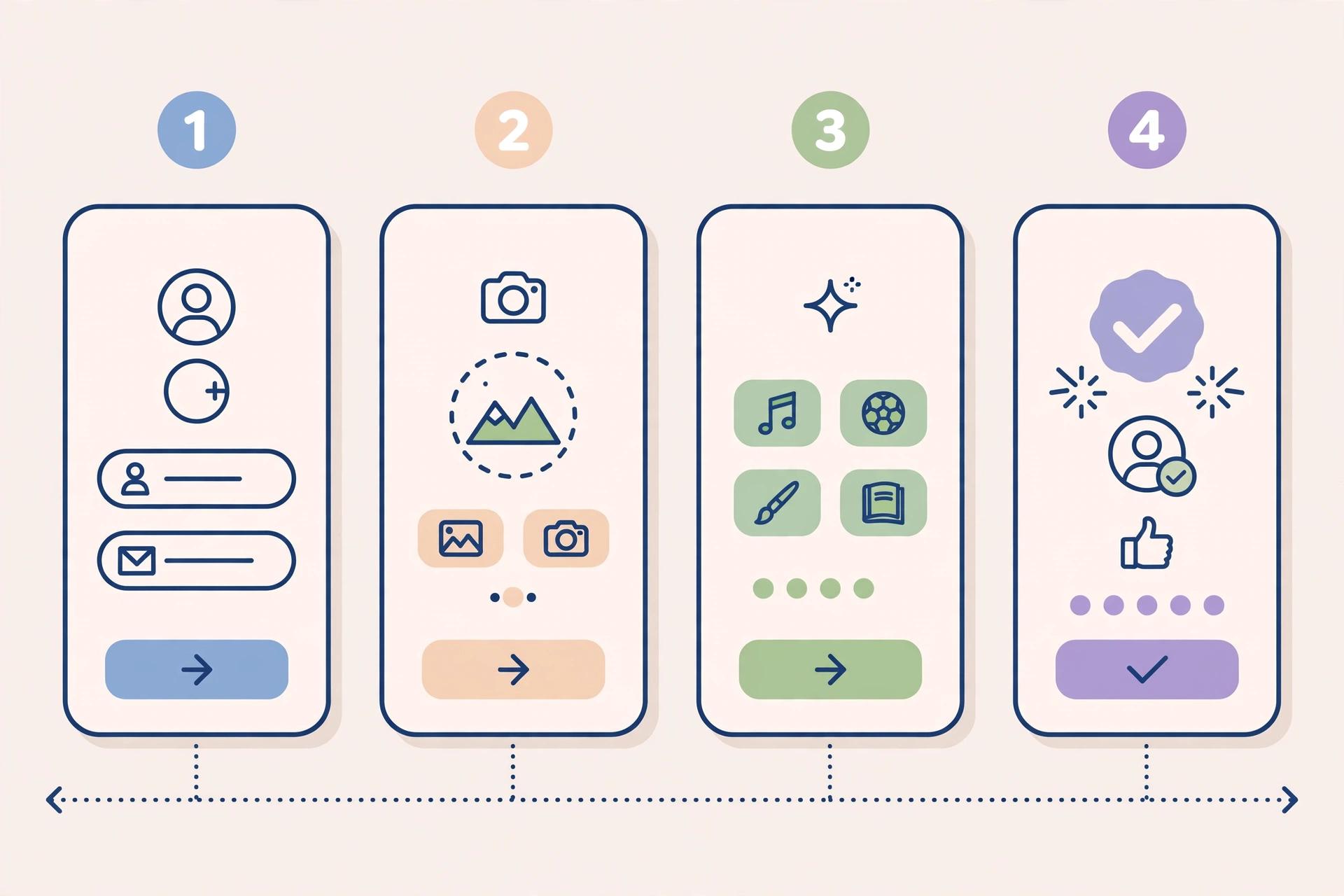
Follow the steps Google shows:
- Enter your exact business name as it appears on your signboard. Do not add extra words like "Best" or "Lahore". Google suspends profiles with keyword stuffing in the name, and this is the most common suspension reason in Pakistan.
- Choose your primary category. Pick the one thing you do most. A dental clinic should pick "Dental clinic", not "Doctor". A clothing store should pick "Clothing store", not "Shop". Category is one of the strongest ranking signals.
- Add secondary categories for things you genuinely offer, up to nine more. A salon might add "Bridal shop" alongside "Beauty salon".
- Decide whether to show your address. If customers visit you, add your street address and check the map pin lands on your actual door. If you visit customers, choose the service-area option, hide your address, and list the areas you serve.
- Add your phone number with the +92 country code, exactly as customers should dial it. This also connects your WhatsApp button.
- Add your website. If you do not have one yet, that is fine for now, but a website makes your profile stronger. Many businesses start with the profile and add a website later through a web development service.
- Set your opening hours, including Eid and Ramadan timings and weekly holidays. Wrong hours are one of the fastest ways to earn a one-star review.
Complete every field Google offers. Fully filled profiles rank better and get more clicks than half-empty ones.
Verify Your Business Without Getting Stuck
The trickiest part of Google Business Profile setup Pakistan is verification. Google must confirm your business is real before the listing goes live on Maps.
The most common method is a verification video. Google asks you to record a short video showing your signboard, your equipment or stock, and the street outside. Film it on your phone in one continuous take, showing your shop board clearly and the surrounding area so Google can match it to your address.
Other methods include a phone call or SMS to your business number, or a postcard mailed to your address with a code. Video is usually fastest. Make sure the name on your signboard matches your profile name exactly, because Google checks this.
If verification fails, do not create a second profile. Duplicates cause suspensions. Fix the name or address, then appeal through the dashboard with photos of your signboard and a utility bill or rent agreement showing the address. If you get stuck in a loop, a professional SEO service can help.
Mistakes That Get Pakistani Profiles Suspended
Most Google Business Profile setup Pakistan problems come from rule violations the owner never knew about:
- Keyword-stuffed names. Use only the name on your signboard. Extra words like "Best" or "Lahore" trigger suspension.
- Overlapping service areas. List either the district or the cities inside it, never both.
- Duplicate profiles. Never create a second profile because the first was rejected. Fix the original.
- Wrong map pin. Pakistani addresses are often informal, so add a landmark and drag the pin to your actual door.
- Virtual office addresses. With no customer-facing premises, use the service-area setup instead.
- Employee-owned Gmail. If they leave, you lose the listing. Use a business-owned account.
If a suspension happens, fix the underlying problem first, then appeal with signboard photos and a utility bill. Do not open a new profile while an appeal is pending.
Photos, Services and Description That Win Customers
Once verified, treat your profile like a shop window. This is where rankings and conversions are actually won.
Photos. Upload 10 to 15 real photos: your shopfront, the interior, your team, and your actual products or work. Real photos beat stock images because customers want to see what they will find. A solid Google Business Profile setup Pakistan owners maintain includes a few new photos every month to show the business is active.
Services and products. List your main services with short descriptions. A clinic can list "Root canal treatment" and "Teeth whitening". This text helps you appear for specific searches like "teeth whitening DHA Lahore".
Description. Write in plain words what you do, who you serve and where, using words customers type like "dental clinic in DHA Lahore". The first two lines matter most because few people read further.
Attributes. Add everything relevant: parking, wheelchair access, women-only sections, delivery options. Customers filter by these, and each one is another chance to match a search.
Google Business Profile Setup Pakistan: Rank Higher on Google Maps
Getting listed is step one. Ranking in Google Maps in Lahore, Karachi or Islamabad takes ongoing effort. Once your Google Business Profile setup Pakistan is complete, Google ranks you on three things: relevance, distance and prominence.
Relevance is how well your profile matches the search, driven by your categories, services, description and posts. Be specific about what you do.
Distance is how close you are to the searcher. A correct address and pin help Google place you accurately.
Prominence is how trusted your business looks. This is where you win. Build it with this routine:
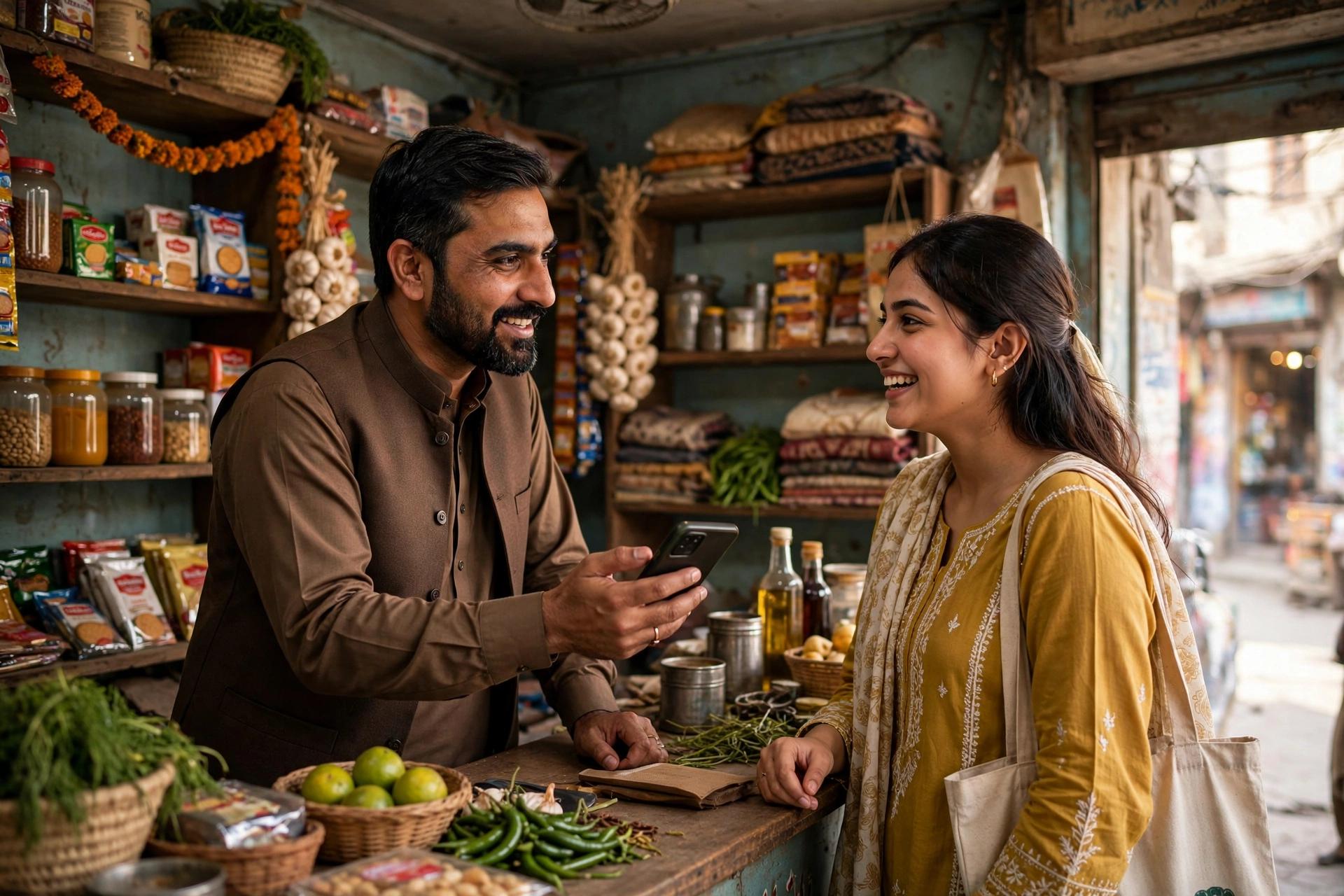
- Ask every happy customer for a Google review. Send the link on WhatsApp within a day of their visit. A profile with 40 recent reviews beats one with 5 old ones.
- Reply to every review, good or bad, in the reviewer's own language. Short, human replies build trust with the next reader.
- Post updates weekly with the Posts feature: offers, new stock, before-and-after photos, Eid timing announcements. Active profiles rank better, and dead profiles slowly sink.
- Fill the Questions and Answers section yourself with common questions, so customers do not have to guess.
- Keep your name, address and phone number identical on your website, Facebook page and Instagram bio. This consistency strengthens trust.
- Get local mentions: a listing in a Pakistani directory or a partnership post with a nearby business tells Google you are established.
Tips for Shops, Clinics and Restaurants
For clinics, Google Business Profile setup Pakistan means choosing the exact specialty category, listing treatments as services, and uploading interior photos that build trust. Patients pick from Maps first, so build a steady review habit after every visit.
Shops should lead with product photos and enable messaging so customers can ask about stock on WhatsApp. Keep hours accurate during sale seasons and the Eid rush.
Restaurants need a full menu with dish photos and correct Ramadan and Eid hours. Food photos drive more clicks than anything else in this category.
Home service businesses, like plumbers and tutors, should hide their address, set a clear service area, and put a strong WhatsApp call button front and centre. Pairing the profile with a simple website multiplies the effect, and good UI/UX design turns map clicks into enquiries.
Frequently Asked Questions
Is Google Business Profile setup Pakistan free? Yes, completely free. Creating, verifying and managing the listing costs nothing. Anyone demanding a fee for the listing itself is running a scam.
How long does verification take in Pakistan? Video verification usually completes within a few days. Postcard verification can take one to two weeks because of mail delivery. If you are rejected, fix the issue and resubmit rather than creating a new profile.
Can I set it up without a physical shop? Yes. Choose the service-area business option and hide your address. You still need to prove the business is real during verification, for example with a vehicle or tools.
Why is my business not showing on Google Maps? Common reasons: the profile is not verified yet, it was suspended for a guideline violation, a duplicate profile exists, or it is simply too new to rank. Check the profile status in the dashboard first. New profiles often need more reviews and activity before they appear.
How do I get more Google reviews in Pakistan? Send the review link to happy customers on WhatsApp within a day of their visit. Make it one tap, no searching. A steady stream of recent reviews beats one big push.
Get Found on Google Maps Starting Today
Google Business Profile setup Pakistan is one evening of work that keeps bringing customers for years. Set it up, verify it, fill every detail, then stay active with photos, posts and reviews.
Want help setting it up or ranking higher? Message Lixber on WhatsApp or book a free call.
Want help with this?
Lixber can do it for you.
See how we handle seo for businesses in Pakistan, with a written plan and price after a free call.
Explore lixber.com/seo →Newsletter
One practical tip a week.
Plain-English advice for local businesses. No spam.
Written by
Rehan AliRehan Ali is a software engineer and co-founder of Lixber, a digital agency building websites, SEO and automation for service businesses.
Keep reading
All guides
How to Rank on Google in Pakistan: A 10-Step Plan
A beginner-friendly 10-step plan for how to rank on Google in Pakistan: speed, content, Google Business Profile, local listings, and backlinks, explained in plain English with local examples.
A beginner-friendly 10-step plan for how to rank on Google in Pakistan: speed, content, Google Business Profile, local listings, and backlinks, explained in plain English with local examples.
Website for Clinics and Doctors in Lahore: Bookings Guide
By Hammad Younas7 min readWeb development
A practical guide for clinic owners in Lahore: the must-have pages, WhatsApp and online booking options, and Google Maps tips that turn searches into appointments.
A practical guide for clinic owners in Lahore: the must-have pages, WhatsApp and online booking options, and Google Maps tips that turn searches into appointments.
SEO Services in Lahore: What You Get and Timelines
What do SEO services in Lahore actually include, how long before you see enquiries, and how do you pick an honest SEO company? A plain-English guide for Pakistani business owners.
What do SEO services in Lahore actually include, how long before you see enquiries, and how do you pick an honest SEO company? A plain-English guide for Pakistani business owners.