
How to Speed Up a Website in Pakistan
How to speed up a website in Pakistan in plain steps: test your site, shrink images, switch on caching, trim plugins, and keep it fast on mobile data.
By Rehan Ali10 min readWeb development
On this page (9) +
How to speed up a website in Pakistan starts with testing your site, then fixing the biggest slowdowns first: oversized images, missing caching, and weak hosting. Most slow sites are not slow because of one big problem. They are slow because of many small problems added together, and each one is fixable without rebuilding the whole site.
This guide is for business owners in Pakistan: salons, restaurants, clinics, schools, wedding halls, shops, real estate offices, and home-based sellers. You do not need to be technical to follow it. You need to know what to test, what to ask your developer to fix, and what to check every month so the site stays fast.
Why a slow website costs you customers in Pakistan
Most of your customers find you on a phone, often on mobile data, sometimes on a weak signal. A page that opens quickly on office wifi can crawl on a phone in a busy market or on the road. When a page takes too long, visitors go back to Google and open a competitor instead. You rarely hear about it, because a visitor who leaves silently never calls to explain why.
Speed also affects how Google sees your site. Google has said for years that page speed is a ranking factor, and its free PageSpeed Insights tool scores your pages and lists what slows them down. A faster site does not guarantee a top ranking, but a slow site makes every other effort harder: good content and good reviews still lose visitors if the page itself will not open.
There is a local angle too. Pakistani visitors often browse with limited data and older phones, so heavy homepages with large photos, auto-playing videos, and many pop-ups cost them data and patience. A light, fast site respects both.
How to speed up a website in Pakistan: test your site first
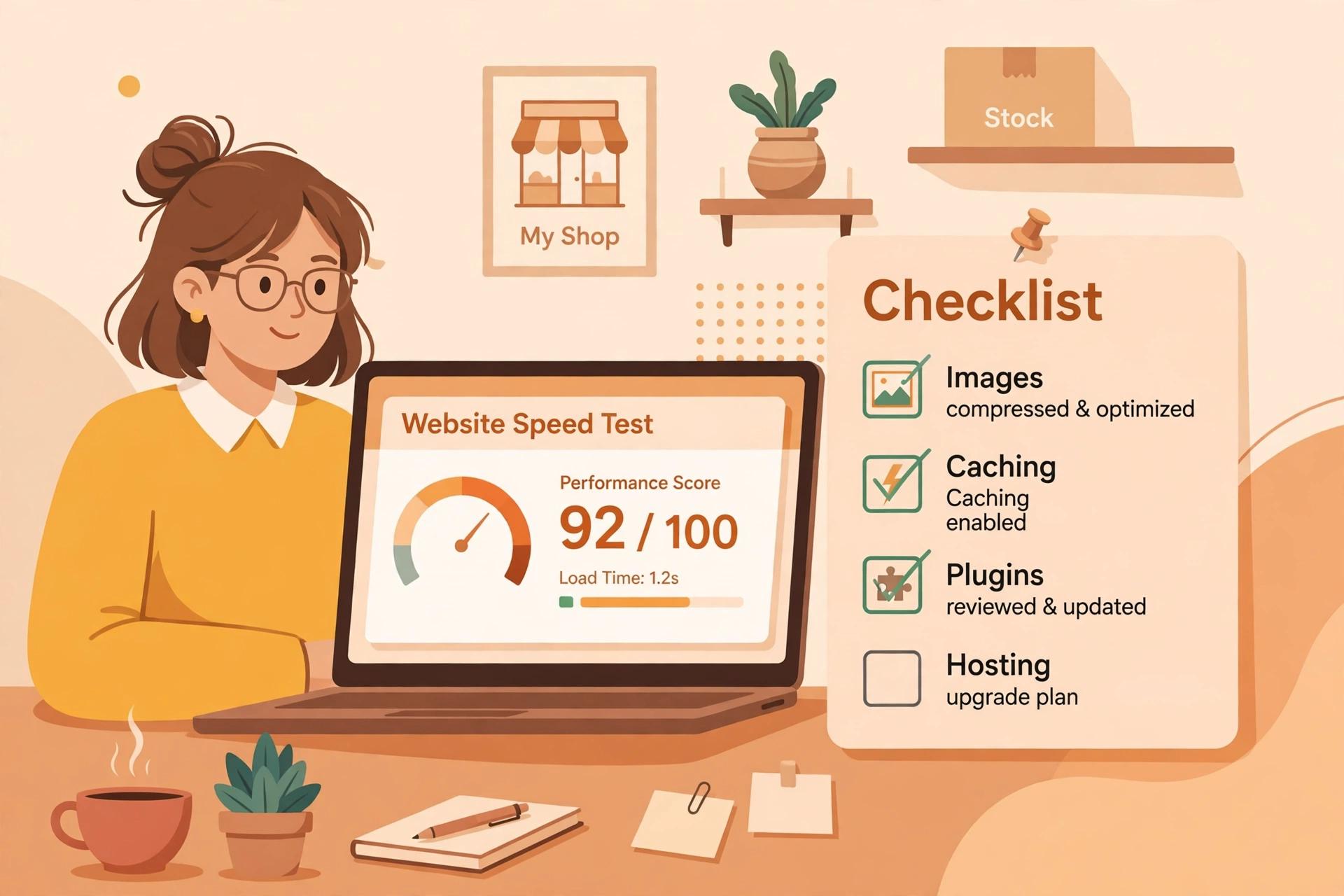
Never start fixing before you test. Testing tells you whether the problem is images, the server, or something else, and it gives you a before score to compare against later. Run these two free checks on your homepage and on your most important page, such as your services or booking page:
- Google PageSpeed Insights: open the tool, paste your page address, and run it once for mobile and once for desktop. Save the score and the top suggestions.
- GTmetrix: run the same pages and look at the waterfall view, which shows each file and how long it takes to load. The biggest files are usually your biggest problem.
Also test on a phone, on mobile data if you can: a site can score well on a computer and still feel slow on a phone. Write down the mobile score, the largest files, and the slowest requests. That short list is your fix list, and it stops you paying for fixes you do not need.
Fix your images first: the biggest slowdown
For most Pakistani business websites, images are the single biggest slowdown. A photo straight from a phone camera can be several megabytes, and a homepage with ten of them can outweigh a whole small website. Visitors on mobile data download all of that before reading a single line.
Fix images in this order:
- Resize before you upload. A photo shown at phone width does not need to be 4000 pixels wide. Resize it to the size it actually displays at, usually under 1600 pixels for a full-width banner and far less for small thumbnails.
- Compress every image. Free tools such as TinyPNG or Squoosh shrink photo files sharply with no visible difference. Make compression a habit for every new photo, not a one-time cleanup.
- Use modern formats where your site supports them. WebP versions of photos are usually much smaller than the same photo as a JPEG or PNG, and most modern browsers support them.
- Load images as visitors scroll. Lazy loading means images below the fold only load when the visitor scrolls near them, so the top of the page opens fast. Your developer can switch this on, and most modern website builders already support it.
- Skip the slider of giant photos. A homepage slider with five full-screen images loads five images for a visitor who may only ever see the first. One strong photo and a clear headline usually loads faster and sells better.
If you do only one thing from this guide, do this one. Website speed optimization in Pakistan almost always starts with images, because it is the fix with the largest visible result for the least effort.
Caching, hosting and code: the next three fixes
Once images are under control, the next fixes are about how your site is served. These are jobs for your developer or hosting provider, but you should understand them well enough to ask for them by name.
Caching means your site saves a ready-made copy of each page, so it does not have to rebuild the page from scratch for every visitor. If your site runs on WordPress, a caching plugin handles this; on a custom site, your developer can set server-level caching. Either way, ask directly: is caching switched on, and what does it cover?
Hosting matters more than most owners expect. Cheap shared hosting puts your site on a server with many other sites, and a busy neighbour can slow you down. If your site is slow even after images and caching are fixed, ask your developer whether your hosting plan still fits your traffic. Moving to a better plan or a server closer to your visitors is sometimes the only fix that works, and the price varies with the plan and the provider, so compare what each plan actually includes.
Code is the third piece. Extra plugins, unused page-builder elements, heavy animations, and many fonts all add files every visitor must download. Ask your developer to remove what the site does not use, keep fonts to one or two families, and load third-party tools only where needed. A clean, mobile-friendly design helps too, because a simple layout usually needs fewer files than a flashy one.
How to speed up a website in Pakistan by trimming plugins and scripts
A slow website fix in Pakistan often comes down to trimming what the site loads but never uses. Go through this checklist with your developer:
- Plugins: list every plugin or app on your site. Delete the ones you do not use, and replace any that duplicate another one's job. Outdated plugins are also a security risk, so this cleanup does double duty.
- Chat widgets and pop-ups: a WhatsApp chat button is useful in Pakistan, but a chat widget plus a pop-up plus a newsletter box plus a social feed on the same page is not. Keep the tools that bring enquiries and remove the rest.
- Tracking scripts: each analytics, advertising, and social pixel adds a request to another company's server. Keep the ones you actually check, and remove the ones installed for a campaign that ended months ago.
- Videos: never auto-play a video on the homepage. A video that starts by itself eats data and slows the page for every visitor, including those who would never watch it. Use a still image with a play button instead, so the video only loads when someone chooses it.
- Fonts and icons: each extra font weight is another file. If your site loads six weights of one font but only uses two, the other four are pure waste.
A simple monthly routine that keeps your site fast
Speed is not a one-time job. Every new photo, plugin, and campaign can slow a site down again. A short monthly routine keeps it fast without much effort:
- Week 1: run PageSpeed Insights on your homepage and your booking or contact page, and note the scores.
- Week 2: check new images uploaded that month, and compress any that were added without resizing.
- Week 3: check your plugins and remove anything new that is not being used.
- Week 4: test the site on your own phone, on mobile data, and open the booking form and WhatsApp button to confirm they still work.
That routine takes well under an hour a month, and it catches most problems while they are still small. If scores drop sharply after a change, you know exactly which change to look at first.
If your site also needs search visibility work, a faster site makes that work pay off sooner: visitors from Google stay longer when pages open quickly, and Lixber's SEO team can pair a speed cleanup with the rest of your local ranking work. And if the site itself is old, heavy, or hard to update, it may be cheaper to rebuild it properly than to keep patching it: a modern website build starts fast by design, with compressed images, caching, and a light layout from day one.
Do it yourself or get help
Most image fixes here can be done by any owner with free tools and an hour of care. Caching, hosting moves, and code cleanup are developer jobs, and a good developer will welcome a fix list backed by test scores.
What matters is the order: test first, fix images, switch on caching, trim what you do not use, and check monthly. Skip the expensive rebuild until the cheap fixes are done, because many sites become fast enough with those alone. If scores stay poor after all that, the problem is usually hosting or an old build, and that is the point to get a proper review rather than another plugin.
Learning how to speed up a website in Pakistan comes down to a simple habit: test before you fix, fix the biggest files first, keep only the tools that earn enquiries, and check your site on a real phone every month. Do that, and your website stops losing the customers your marketing worked hard to win. Message Lixber on WhatsApp or book a free call: https://www.lixber.com/#contact
Frequently asked questions
How do I test my website speed in Pakistan? Use Google PageSpeed Insights and GTmetrix, both free, and test your homepage and your booking or contact page on mobile first. Note the score and the largest files, then test again after fixes so you can compare. Also open the site on your own phone on mobile data, because that is how most Pakistani customers experience it.
What is the fastest way to speed up a slow website? Compress and resize your images, switch on caching, and remove plugins and scripts you do not use. Those three fixes usually give the biggest visible improvement in the shortest time. If the site stays slow after that, hosting or an old build is the likely cause.
Does website speed affect Google ranking in Pakistan? Yes, Google treats page speed as a ranking factor, and slow pages also lose visitors before they read anything, which hurts results further. Speed alone will not rank a site, but a slow site makes good content and good reviews work harder. Fix speed alongside your other SEO work, not instead of it.
How much does website speed optimization cost in Pakistan? It varies. Basic fixes such as image compression and caching are often quick and affordable, while hosting upgrades or a rebuild cost more depending on the site's size and platform. Ask exactly what is included, and get a before and after speed test so you can see what you paid for.
Can I speed up my website without a developer? Yes, for the basics: you can resize and compress images before uploading, remove unused photos, and test with free tools. Caching setup, hosting moves, and code cleanup usually need a developer, but the test scores you collect tell them exactly where to start.
8. Images
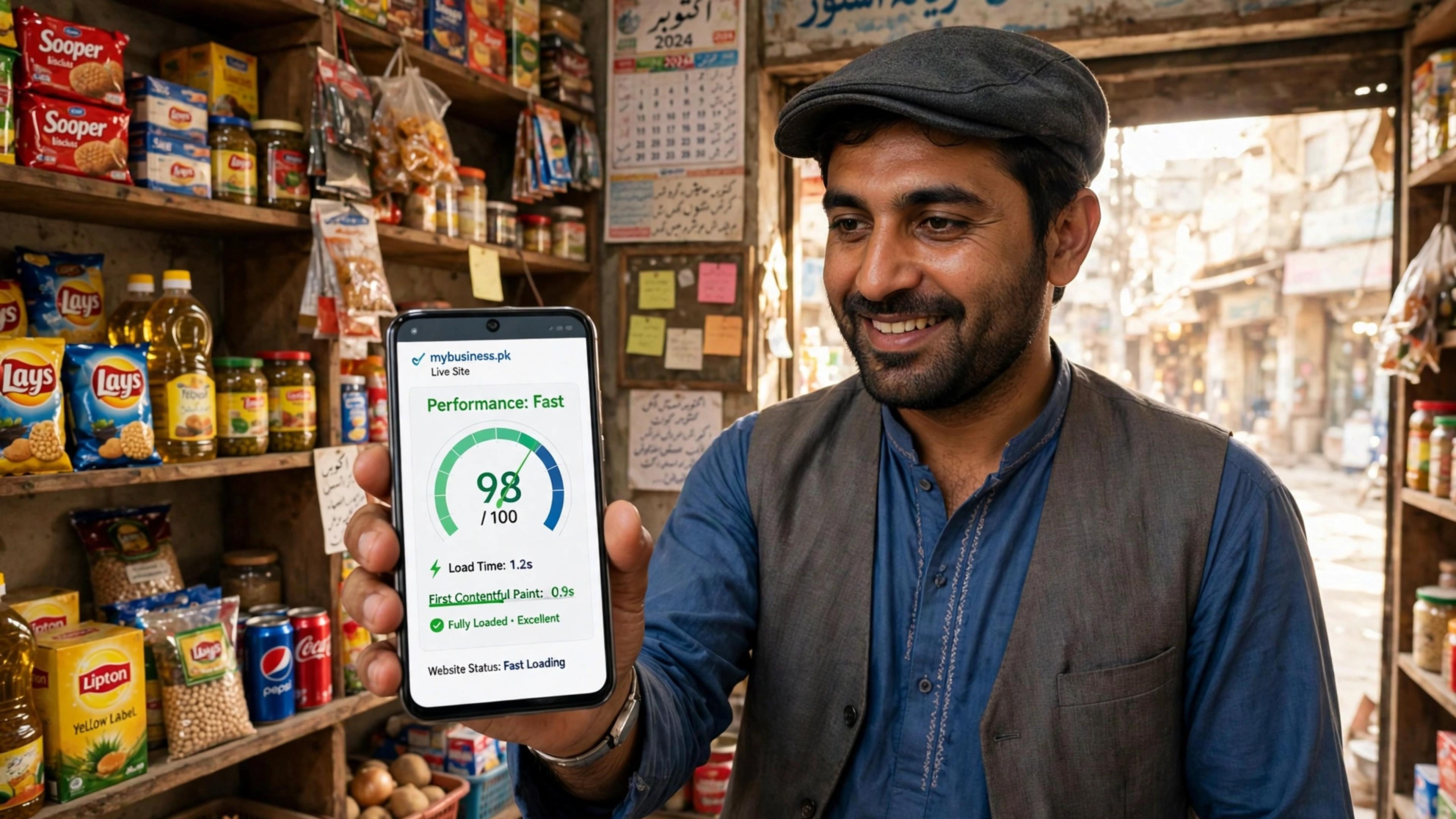
Cover: photorealistic scene, a Pakistani small business owner in a small Lahore shop holding a smartphone showing a fast-loading website with a speed gauge, shop shelves and warm daylight in the background. Alt text: "How to speed up a website in Pakistan: a shop owner checking a fast-loading website on a phone". File: blog-pk-26/media-generation-cover-website-speed-pakistan-0-aef7e77e-7a13-4f99-a838-873584ccf30b.webp
Inline 1 (after the "How to speed up a website in Pakistan: test your site first" H2): clean flat illustration of a business owner testing website speed on a laptop, showing a simple checklist, images, caching, hosting, plugins, simple modern style, warm colours. Alt text: "Website speed test checklist for a business in Pakistan". Caption: "Test first, then fix: the checklist tells you whether images, caching, or hosting is the real problem." File: blog-pk-26/media-generation-inline1-speed-test-checklist-0-a4af3af2-2416-4298-a4ca-12dc1b56a106.webp
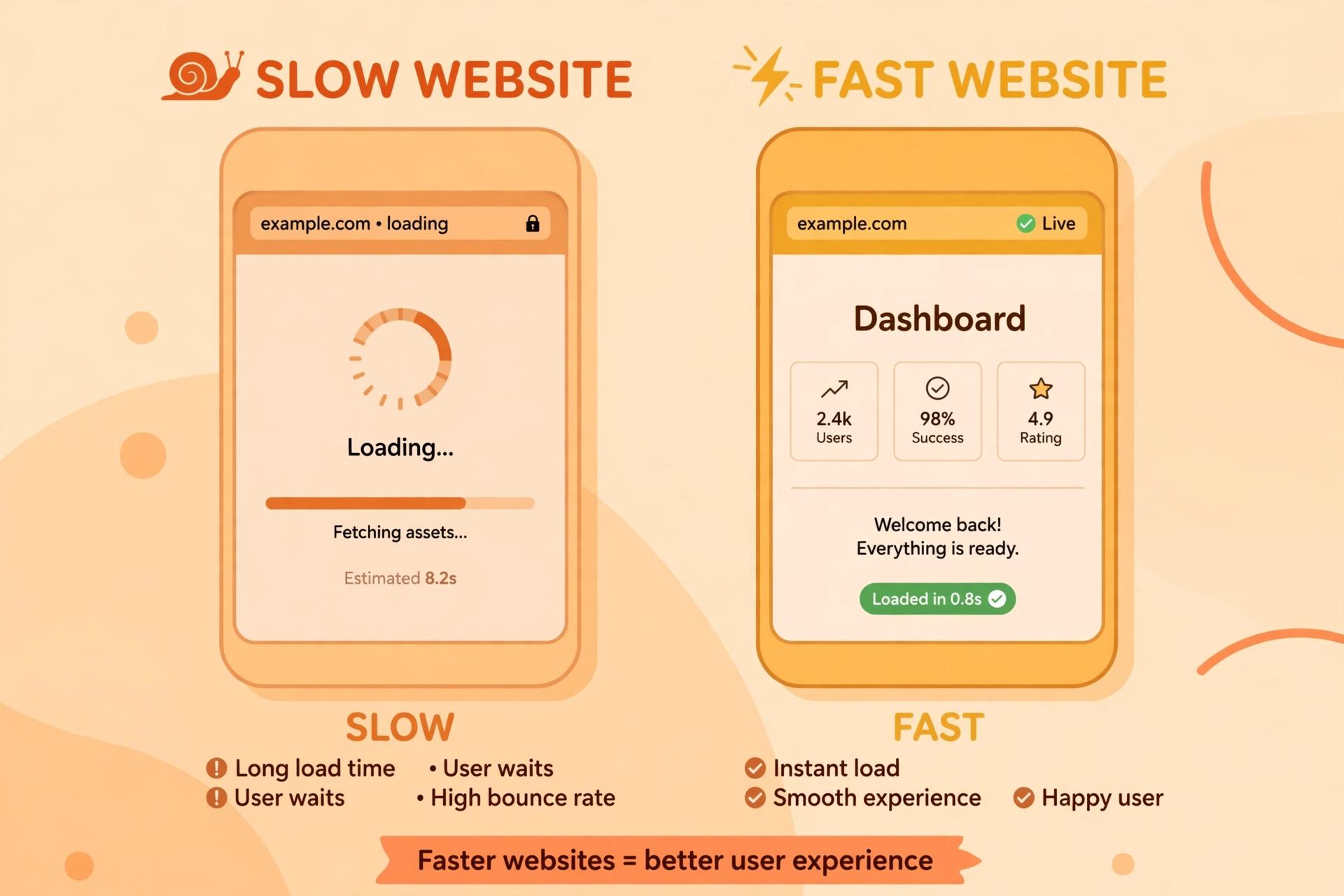
Inline 2 (after the "A simple monthly routine that keeps your site fast" H2): clean flat illustration comparing a slow website and a fast website on two phones side by side, one showing a loading spinner and one showing a finished page, simple modern style, warm colours. Alt text: "Slow website versus fast website on two phones". Caption: "The goal is not a perfect score, it is a page that opens before the customer gives up." File: blog-pk-26/media-generation-inline2-before-after-speed-0-606c1a44-da4e-4a61-910f-71b7ad10a671.webp
Want help with this?
Lixber can do it for you.
See how we handle web development for businesses in Pakistan, with a written plan and price after a free call.
Explore lixber.com/web →Newsletter
One practical tip a week.
Plain-English advice for local businesses. No spam.
Written by
Rehan AliRehan Ali is a software engineer and co-founder of Lixber, a digital agency building websites, SEO and automation for service businesses.
Keep reading
All guides
Website for Eye Clinics in Pakistan
By Rehan Ali9 min readWeb development
A website for eye clinics in Pakistan turns people searching for an eye doctor into booked appointments. Here are the pages, booking setup and local SEO steps an eye clinic needs.
A website for eye clinics in Pakistan turns people searching for an eye doctor into booked appointments. Here are the pages, booking setup and local SEO steps an eye clinic needs.

Website for Skin Clinics in Pakistan
By Rehan Ali9 min readWeb development
A website for skin clinics in Pakistan turns people searching for a skin doctor into booked appointments. Here are the pages, booking setup and local SEO steps a skin clinic needs.
A website for skin clinics in Pakistan turns people searching for a skin doctor into booked appointments. Here are the pages, booking setup and local SEO steps a skin clinic needs.

Website for Veterinary Clinics in Pakistan
By Rehan Ali9 min readWeb development
A website for veterinary clinics in Pakistan turns worried pet owners searching on Google into booked appointments. Here are the pages, booking setup and local SEO steps a vet clinic needs.
A website for veterinary clinics in Pakistan turns worried pet owners searching on Google into booked appointments. Here are the pages, booking setup and local SEO steps a vet clinic needs.