
WhatsApp Business App vs API Pakistan
WhatsApp Business app vs API Pakistan: the app is free and simple, the API connects to your systems. Here is how to pick the right one for your business.
By Rehan Ali10 min readAI automation

On this page (14) +
WhatsApp Business app vs API Pakistan is the question every growing business in Pakistan reaches sooner or later. The app is free and runs on one phone. The API connects WhatsApp to your website, your customer records, and your team, and it charges per conversation. If you run a small shop and answer your own messages, the app is enough. If your team misses messages, or you want orders and replies to happen automatically, the API is the next step.
Most Pakistani businesses start on the app because it costs nothing and takes ten minutes to set up, until the messages pile up and customers wait hours for a reply. This guide explains what each one does, what it costs, and how to choose.
What the WhatsApp Business app is
The WhatsApp Business app is a free app from Meta, made for small businesses. It works like normal WhatsApp, with business tools on top. You download it on one phone, set up a business profile with your address, opening hours, and website, and customers can message you on that number.
The tools cover the basics well. A catalog shows your products or services with photos and prices, so customers can browse before they ask. Quick replies save answers you type again and again, like delivery charges, and send them with a shortcut. Labels sort chats into new orders, pending payments, and completed orders. Greeting messages welcome new customers, and away messages reply when you are closed.
The app works best when one person answers the messages, usually the owner or one staff member with the business phone, and you can also open it on a computer through WhatsApp Web. For a salon in Gulberg, a clinic in DHA, or a small restaurant in Islamabad, the app handles the daily flow: customers ask, you reply, they visit or order.
The limits show up as the business grows. The app lives on one phone, so only the person holding it can reply, and three staff members cannot share one number. Automation stops at greeting messages, away messages, and quick replies, so there is no chatbot and no automatic order update. It does not connect to a website or a customer record system, so every order is copied by hand, and if the phone is switched off or lost, the business goes quiet with it.

What the WhatsApp Business API is
The WhatsApp Business API is not an app you download. It is a connection that lets software send and receive WhatsApp messages on your business number, set up through Meta or an approved provider, sometimes called a Business Solution Provider. Messages then flow through a dashboard, a chatbot, or your own systems.
The API is built for teams and volume. Several staff members can reply from the same number at once, each from their own computer. A chatbot can answer common questions at any hour, like prices and timings, and order confirmations, payment reminders, and delivery updates can go out automatically. Chats can be saved against a customer record, so the next person who replies sees the full history.
This is the version large sellers, clinics with a front desk team, and online stores in Pakistan use when the app stops being enough. It is also how a business runs WhatsApp on its website: the chat button and order updates talk to the API in the background, which is a form of AI automation that saves hours of manual replying every week.
The trade-off is cost and setup. The API is not free: Meta charges per conversation, and the provider usually adds a monthly fee. There is no app screen to open, so you need a dashboard or software to reply, and setup needs business verification and an approved message template before you can send notifications. For a business that answers a handful of messages a day, that is more machinery than the job needs.
WhatsApp Business app vs API Pakistan: the differences that matter
Here is the comparison in plain terms, so you can see where your business sits.
Cost. The app is free. The API charges per conversation through Meta, plus a provider fee, and the total varies with your volume.
Setup. The app takes ten minutes on one phone. The API takes days to a couple of weeks: business verification, a registered number, and approved templates.
Who replies. The app is one person on one phone. The API lets a whole team reply from the same number, each from their own screen.
Automation. The app offers greeting messages, away messages, and quick replies. The API supports chatbots, automatic order updates, and reminders.
Sending messages first. On the app, you message customers the same way you message anyone. On the API, you can only reply freely within 24 hours of a customer's last message; after that you need an approved template message.
Connection to other systems. The app does not connect to a website, an online store, or a customer record system. The API does, which is the whole point of it.
Best for. The app fits a single owner or a small team that answers messages by hand. The API fits a business with a team, a lot of messages, or orders that should update customers automatically.
WhatsApp Business API pricing Pakistan: what it costs
WhatsApp Business API pricing Pakistan owners ask about first, and the honest answer is that it varies: the cost has three parts.
The first part is Meta's charge, per conversation rather than per message. A conversation is a 24-hour window that starts when a customer messages you or when you send an approved template message. A service conversation, where you reply to a customer, costs less than a marketing conversation, where you send a promotion. The rate also depends on the customer's country.
The second part is the provider's fee. Most businesses in Pakistan get the API through a provider. Some charge a monthly fee for the dashboard and support, some add a small amount per conversation, and some charge a one-time setup fee. The total depends on the provider, your volume, and extras like a chatbot or a team inbox.
The third part is your own setup cost. Connecting the API to your website or order system needs a developer, priced per project. A provider's ready-made dashboard needs no developer, but it only does what the dashboard already does.
To get a real number, count your monthly conversations, then ask two or three providers for a quote for that volume. Never pay for so-called lifetime API access from a random seller: the API only comes from Meta or an approved provider.
How to get WhatsApp Business API in Pakistan
Getting the API takes a few steps. None of them is hard on its own, but they have to happen in order.
First, set up a Meta Business account and complete business verification, usually by submitting a document such as your NTN certificate or registration. Verification can take a few days.
Second, choose your route. Most small and medium businesses in Pakistan go through a provider, which gives you a dashboard and handles the technical side. Larger businesses sometimes apply to Meta directly, but that needs a developer.
Third, register a phone number for the API. It can be a new number or one you already use, but a number on the API cannot also run on the app, so think carefully before moving a number your customers already know. Many businesses keep the old number on the app and register a second number for the API.
Fourth, create and submit your message templates, such as an order confirmation or a delivery update. Meta approves each template, so write them plainly and honestly.
Fifth, connect the API to what you need: a team inbox, a chatbot, your website, or your order system. Test it with your own team first, and confirm replies arrive and the chatbot answers correctly before customers see it.
Can you use the WhatsApp Business app and API together?
You cannot run the same number on both at the same time: a number registered on the API stops working in the app. This is the rule that surprises most owners, so plan around it before you move a number.
The setup that works for many Pakistani businesses is two numbers: the shop number stays on the app for regulars, and a second number runs the API for the website, order updates, and the team. Customers do not care that there are two numbers, as long as both reply.
One more thing before you move a number: chat history does not move from the app to the API. Old conversations stay on the phone, and the API starts with an empty inbox, so export what matters before you migrate. If your business is small and you are the only person replying, there is no reason to run both. The app alone does the job, and the second number only adds confusion. Run both when the volume or the team makes it necessary, not before.
WhatsApp Business app vs API Pakistan: which one should you choose?
Work through this checklist honestly, and the answer usually picks itself.
- One person answers all the messages, and that person is usually free to reply within an hour.
- You get a manageable number of messages a day, and none of them are missed.
- Customers ask the same few questions, and quick replies already cover them.
- Your orders are simple enough to handle by hand in the chat.
- More than one person needs to reply from the same number.
- You want order updates, payment reminders, or delivery messages to go out on their own.
- You want a chatbot to answer at night or when the shop is closed.
- Your website or order system should talk to WhatsApp directly.
If you ticked mostly the first four, the WhatsApp Business app is enough for now: it costs nothing and keeps the business personal. If you ticked several of the last four, the API is worth its cost, because the app is already slowing you down. Good SEO brings customers to your door, but WhatsApp is where many of them actually talk to you. The switch is not permanent, so choose for the business you have today.
WhatsApp Business app vs API Pakistan is not a contest between a good tool and a bad one. The app suits a small business that answers its own messages. The API suits a business whose messages have become a job in themselves. Pick the one that matches how your customers reach you, and change it when that changes.
If your messages are piling up, or you want your website and WhatsApp to work together, message Lixber on WhatsApp or book a free call: https://www.lixber.com/#contact.
Frequently asked questions
Is WhatsApp Business API free in Pakistan?
No. The app is free, but the API is not: Meta charges per conversation, and your provider usually adds a monthly fee. The total varies with your volume, so ask for a quote based on your real numbers.
Can I use the same number for the WhatsApp Business app and the API?
No. One number can only run on one of them at a time, so registering a number on the API stops it working in the app. Many businesses keep one number on the app and register a second number for the API.
How long does it take to get WhatsApp Business API in Pakistan?
It varies. Verification, number registration, and template approval usually take a few days to a couple of weeks. The most common delay is a business document that does not match the business name, so have your documents ready first.
Do I need a developer to use the WhatsApp Business API?
Not always. Many providers offer a ready-made dashboard where your team can reply without any code. You only need a developer to connect the API to your website, online store, or order system.
Is the WhatsApp Business app enough for a small shop in Pakistan?
Yes, for most single-owner shops it is. The profile, catalog, quick replies, labels, and greeting messages cover the daily work. Move to the API when more than one person needs to reply, or when order updates take up too much of your day.
8. Images
Cover: real photo, hands holding a smartphone showing the WhatsApp logo on screen. Alt text: "WhatsApp Business app vs API Pakistan: a smartphone showing the WhatsApp logo". File: blog-pk-33/cover.webp. Source: https://images.pexels.com/photos/40716171/pexels-photo-40716171/free-photo-of-person-using-smartphone-with-whatsapp-app.jpeg (Pexels)
Inline 1 (after the "What the WhatsApp Business app is" H2): real photo of a person typing a chat message on a smartphone at a desk near a computer screen. Alt text: "A business owner replying to customer messages on the WhatsApp Business app". Caption: "The WhatsApp Business app runs on one phone, so the owner answers every message personally." File: blog-pk-33/inline1.webp. Source: https://images.pexels.com/photos/12355752/pexels-photo-12355752.jpeg (Pexels)
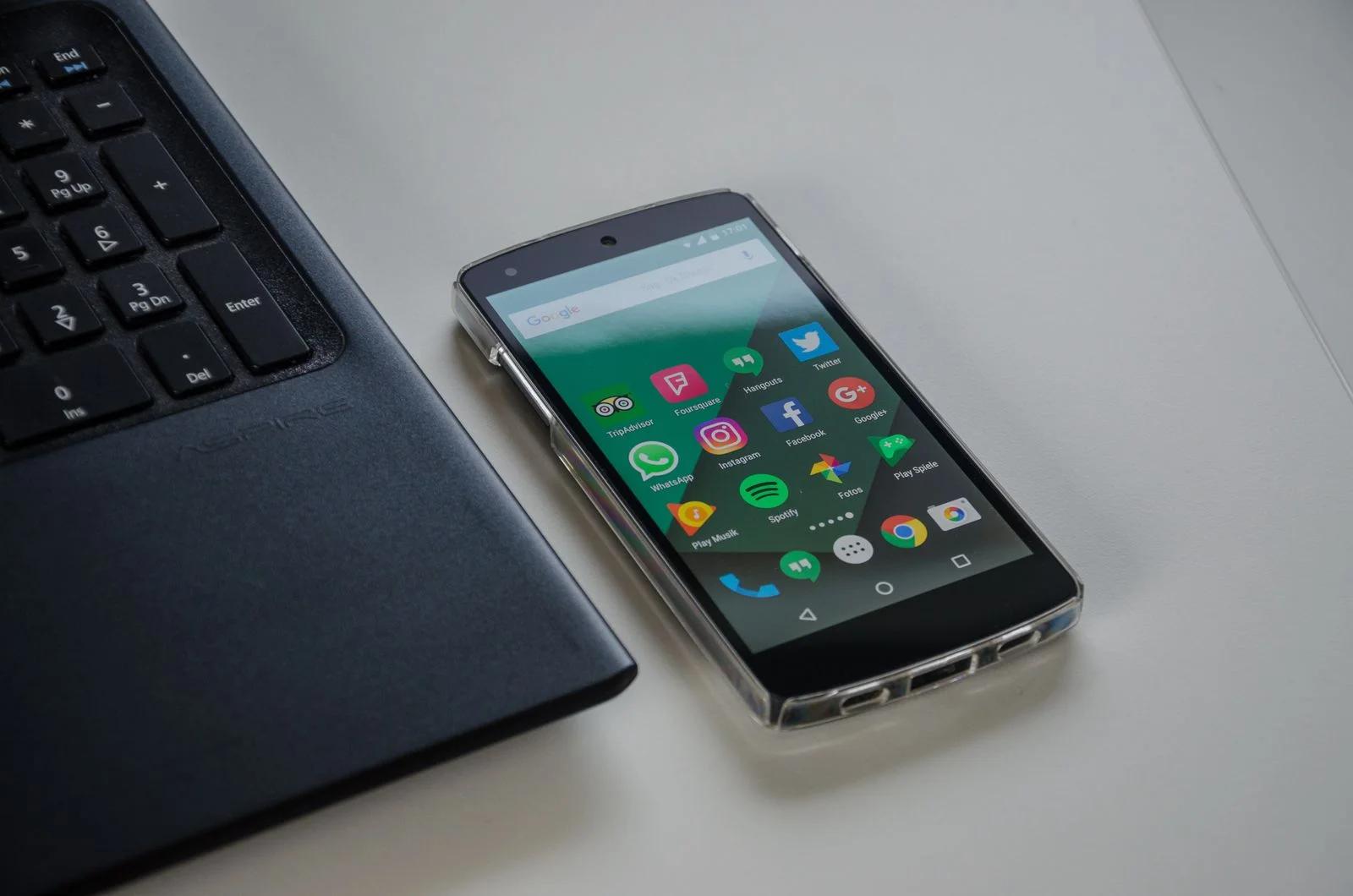
Inline 2 (after the "What the WhatsApp Business API is" H2): real photo of a smartphone showing the WhatsApp icon next to a laptop keyboard. Alt text: "A smartphone with WhatsApp next to a laptop, showing how the WhatsApp Business API connects to business systems". Caption: "The API connects WhatsApp to your website, CRM, and team instead of living on one phone." File: blog-pk-33/inline2.webp. Source: https://images.pexels.com/photos/221179/pexels-photo-221179.jpeg (Pexels)
Want help with this?
Lixber can do it for you.
See how we handle ai automation for businesses in Pakistan, with a written plan and price after a free call.
Explore lixber.com/aiautomation →Newsletter
One practical tip a week.
Plain-English advice for local businesses. No spam.
Written by
Rehan AliRehan Ali is a software engineer and co-founder of Lixber, a digital agency building websites, SEO and automation for service businesses.
Keep reading
All guides
WhatsApp Broadcast vs Chatbot in Pakistan
By Rehan Ali8 min readAI automation
A WhatsApp broadcast sends one message to many customers at once, while a chatbot answers each customer on its own. Which fits your business, what each costs, and mistakes that get numbers blocked.
A WhatsApp broadcast sends one message to many customers at once, while a chatbot answers each customer on its own. Which fits your business, what each costs, and mistakes that get numbers blocked.
AI Automation for Schools in Pakistan: Answer Every Admission Enquiry Without Extra Staff
By Rehan Ali6 min readAI automation
How schools, colleges and academies in Pakistan can use AI automation and WhatsApp to answer admission enquiries instantly, book tests and campus visits, send fee reminders and keep parents informed.
How schools, colleges and academies in Pakistan can use AI automation and WhatsApp to answer admission enquiries instantly, book tests and campus visits, send fee reminders and keep parents informed.
Chatbot for Online Store in Pakistan: Guide
By Rehan Ali8 min readAI automation
A chatbot for an online store in Pakistan answers price, size and delivery questions on WhatsApp, takes orders and confirms cash on delivery. Here is how it works and how to set one up.
A chatbot for an online store in Pakistan answers price, size and delivery questions on WhatsApp, takes orders and confirms cash on delivery. Here is how it works and how to set one up.