
Facebook Ads for Small Business Pakistan
Facebook ads for small business Pakistan: how to run ads that bring WhatsApp messages, calls, and orders, without wasting money on the wrong audience or the wrong goal.
By Shayan Tayyab10 min readSEO
On this page (14) +
Facebook ads for small business Pakistan work best when built around one simple question: what do you want the person to do next? If you want WhatsApp messages, calls, shop visits, or online orders, the ad must be set up for exactly that action. Too many small businesses in Pakistan spend money on ads that only collect likes, then wonder why the phone never rings.
This guide is for shop owners, salon owners, restaurant owners, clinic owners, and service providers across Pakistan who want Facebook ads that bring real enquiries. You do not need a big budget or an agency to start. You need a proper setup, the right goal, a tight audience in your city, and an ad that speaks the way your customers speak.
What Facebook ads for small business Pakistan actually means
Running a Facebook ad is not the same as boosting a post. Boosting is the blue button under a post on your page. It is quick, but it gives you very little control over who sees the ad or what Facebook optimises for. Most boosted posts reach people who like and scroll past, not people who buy.
A real ad runs through Meta Ads Manager, the tool behind Facebook and Instagram ads. There you choose the goal, the audience, the budget, and where the ad appears. You also see proper results: how many messages, leads, or clicks the ad produced, and what each one cost. If you are spending money, you should know what it bought.
Set up before you spend anything
Work through this checklist once, and you will not need to repeat it for every ad.
- Create or clean up your Facebook page. Use your real business name, your city, and a short description of what you sell and who it is for.
- Open Meta Business Suite and create an ad account. Set the country to Pakistan and the time zone to Asia/Karachi, because these cannot easily be changed later.
- Add a payment method that works for online international payments, usually a debit or credit card with international transactions enabled by your bank. Check this with your bank before launch day, not after.
- Link your Instagram account to the same page if you have one, so one ad can run on both.
- Add a WhatsApp button to your page and test it yourself, so you know messages arrive on the number you actually answer.
- If you have a website, ask your web developer to add the Meta Pixel, a small piece of code that tells Facebook who visited your site. If you do not have a website, you can still run message and lead ads, so do not wait for one before advertising.
Keep your login safe. Turn on two-factor authentication on the account that owns the page, and never share your password with anyone who offers to run ads for you.
Pick the goal that matches what you want
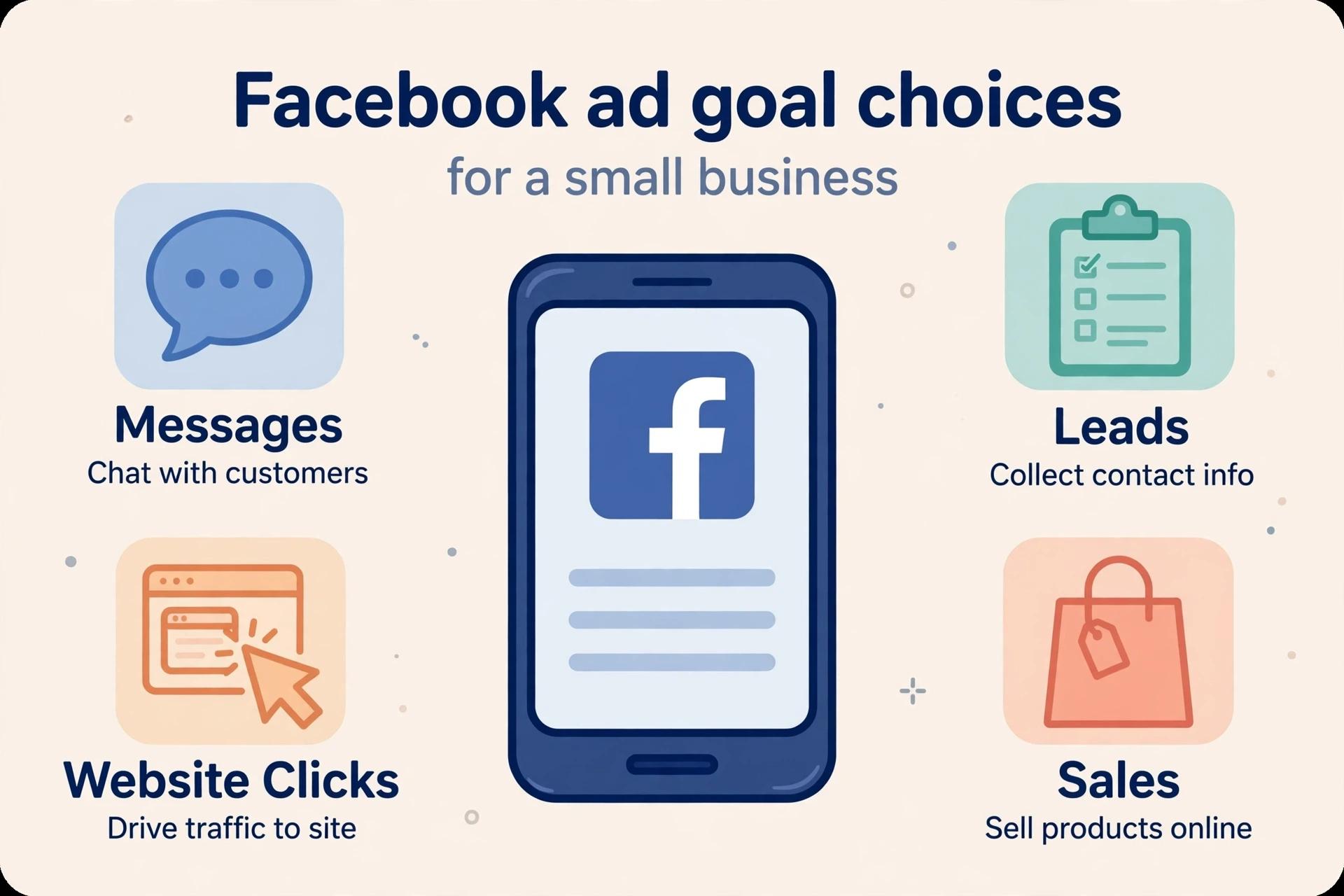
Facebook asks you to pick a goal, called an objective, before you build the ad. This choice decides what kind of people see your ad, and picking the wrong goal is the most common reason small business ads fail.
| What you want | Goal to pick | Why it fits |
|---|---|---|
| WhatsApp messages or calls | Messages or Sales with WhatsApp | Facebook finds people likely to message, and the tap opens a chat |
| Names and numbers to follow up | Leads | People fill a short form inside Facebook |
| Visits to your website | Traffic | Facebook sends people to a page where they can book or order |
| Online orders | Sales | Facebook finds people likely to buy, once your shop or Pixel is set up |
| More people knowing your shop | Awareness or Engagement | Useful for a new shop, but rarely brings enquiries |
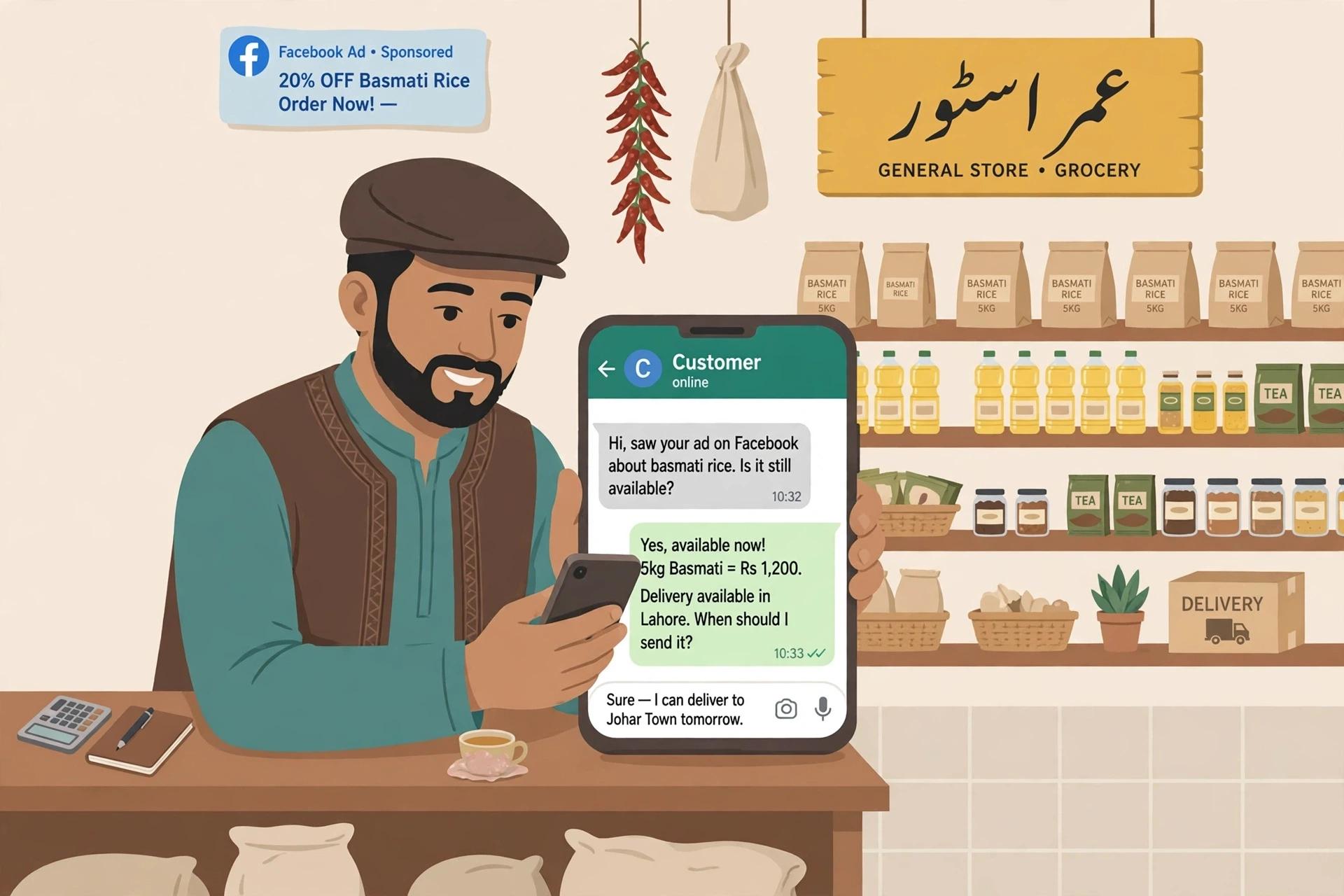
For most small businesses in Pakistan, messages are the best first goal. Customers here prefer WhatsApp over filling in forms or calling a stranger. A Click to WhatsApp ad puts the customer one tap away from asking about price or timing, and if your team answers fast, that one tap is often the whole sale.
If you already get plenty of messages but want more detail first, test lead ads. Keep the form short: name, phone number, and one question about what they need. Every extra question loses people.
Target the right people in your city
Facebook lets you show your ad only to people who could actually become customers. For a local business, that means starting narrow. An ad shown to all of Pakistan wastes money on people who will never visit your shop in Gulberg, DHA, or Saddar.
Start with location. Set your ad to your city, or to a radius around your shop if you serve one area. A salon, restaurant, or clinic should target the neighbourhoods its customers actually travel from. An online seller shipping nationwide can target wider, but should still exclude areas it cannot deliver to.
Then add age and interests that fit your customer: a wedding hall targets people interested in weddings, a tuition academy targets parents, a gym targets fitness. Keep it realistic. Too narrow and Facebook cannot find enough people, too broad and your money spreads over strangers. Start with your city plus one or two interests, then narrow it based on who messaged.
Write an ad Pakistanis actually reply to
People scroll fast. Your ad has about two seconds to stop them, so the first line must say who the ad is for and what it offers. "Haircut and beard trim in Gulberg, walk in today" beats "Welcome to our salon" every time.
Use photos or a short video of your real work: your shop, your food, your team, a finished job. Stock photos look fake next to a competitor's real photos. If you use video, put the main point and offer in the first few seconds, because many people watch without sound, and add captions.
Write the ad text the way your customers talk. Short sentences in simple English work well, and a well-known Roman Urdu phrase is fine where it matches how people speak, such as "order karein" or "abhi message karein" in a WhatsApp ad. Say what you sell, who it is for, where you are, and what to do next. End with one clear call to action, such as "Message us on WhatsApp". Two different calls to action in one ad only confuse people.
If you run a special offer, state it plainly and honestly. A real discount with a real end date works. A vague "big sale" with no details does not.
Budget: what it costs and how long to run it
Facebook ads cost it varies, because the price depends on your city, your industry, how many advertisers want the same audience, and how good your ad is. An ad people tap and message on costs less per result than an ad people ignore, which is why a good photo and a clear offer matter as much as the budget.
Start small and test. Run one ad for several days rather than many ads for one day each, because Facebook needs time to learn who responds. Set a daily budget you are comfortable losing while you learn, and check results each day. If messages come in at a cost you can afford, keep the ad running and raise the budget slowly. If nothing comes in after several days, stop and fix the ad first. Raising the budget on a broken ad only wastes money faster.
Track what each enquiry is worth to you. If one new customer is worth far more than the messages it took to win them, the ad is working. If messages come from outside your area or price range, tighten the audience or change the ad text.
Read the numbers and avoid the mistakes that waste money
Ads Manager shows you the numbers that matter: how many people saw the ad, how many tapped or messaged, and what each message or lead cost. Compare that cost with what a customer is worth to you. Ignore likes and shares unless your goal was awareness.
When results are weak, change one thing at a time. If many see the ad but few tap, the photo or first line is the problem. If many tap but few message, the landing page, form, or WhatsApp greeting is the problem. If messages come from the wrong city, the audience is the problem. Changing everything at once teaches you nothing.
Keep a simple record of the ad, the audience, the budget, the messages, and how many became customers. After a few ads you will know what works, and a proper SEO plan can build free Google and Maps enquiries on the same audience.
Three mistakes waste more money than anything else. The first is boosting every post without a goal: Facebook optimises boosts for engagement, not customers, so use Ads Manager even if it takes longer to learn. The second is sending people to a broken destination: a WhatsApp number nobody answers, a form that never replies, or a website that loads slowly on a phone. Test the whole journey yourself before launch. The third is running the same ad for months without refreshing it. People stop noticing an ad they have seen many times, so swap the photo or first line every few weeks. If you need a stronger page for ads to point to, a proper website built for mobile visitors turns more taps into customers, and good design makes the first impression count.
Frequently asked questions
Do I need a website to run Facebook ads in Pakistan?
No. Message ads and lead ads work without a website, because the customer messages you on WhatsApp or fills a form inside Facebook. A website helps later, but do not wait for one before running your first ad.
Is boosting a post the same as running a Facebook ad?
No. Boosting only pushes an existing post to more people, with little control over the audience or goal. A real ad in Ads Manager lets you pick the goal, the audience, the budget, and the placement, and shows proper results like messages and leads.
How much do Facebook ads cost for a small business in Pakistan?
It varies. The cost depends on your city, your industry, how competitive the audience is, and how good your ad is. Start with a small daily budget, run the ad for several days, and judge it by what each message or customer cost you.
Why am I getting likes but no customers from my Facebook ads?
Because the goal is probably wrong. An engagement goal tells Facebook to find people who like posts, not people who buy. Switch the goal to messages, leads, or sales, aimed at people who actually need what you sell.
How long should I run a Facebook ad before judging it?
Give it several days, not a few hours. Facebook needs time to learn who responds, and a very short run ends before that learning happens. If a few days pass with no messages, stop, fix one thing such as the audience or the first line, and test again.
Facebook ads for small business Pakistan come down to a simple formula: the right goal, a tight local audience, a real photo, and a fast reply on WhatsApp. Get those four right, start small, and let the numbers tell you what to do next.
If your page, ads, or website need a proper once-over, message Lixber on WhatsApp or book a free call: https://www.lixber.com/#contact.
8. Images
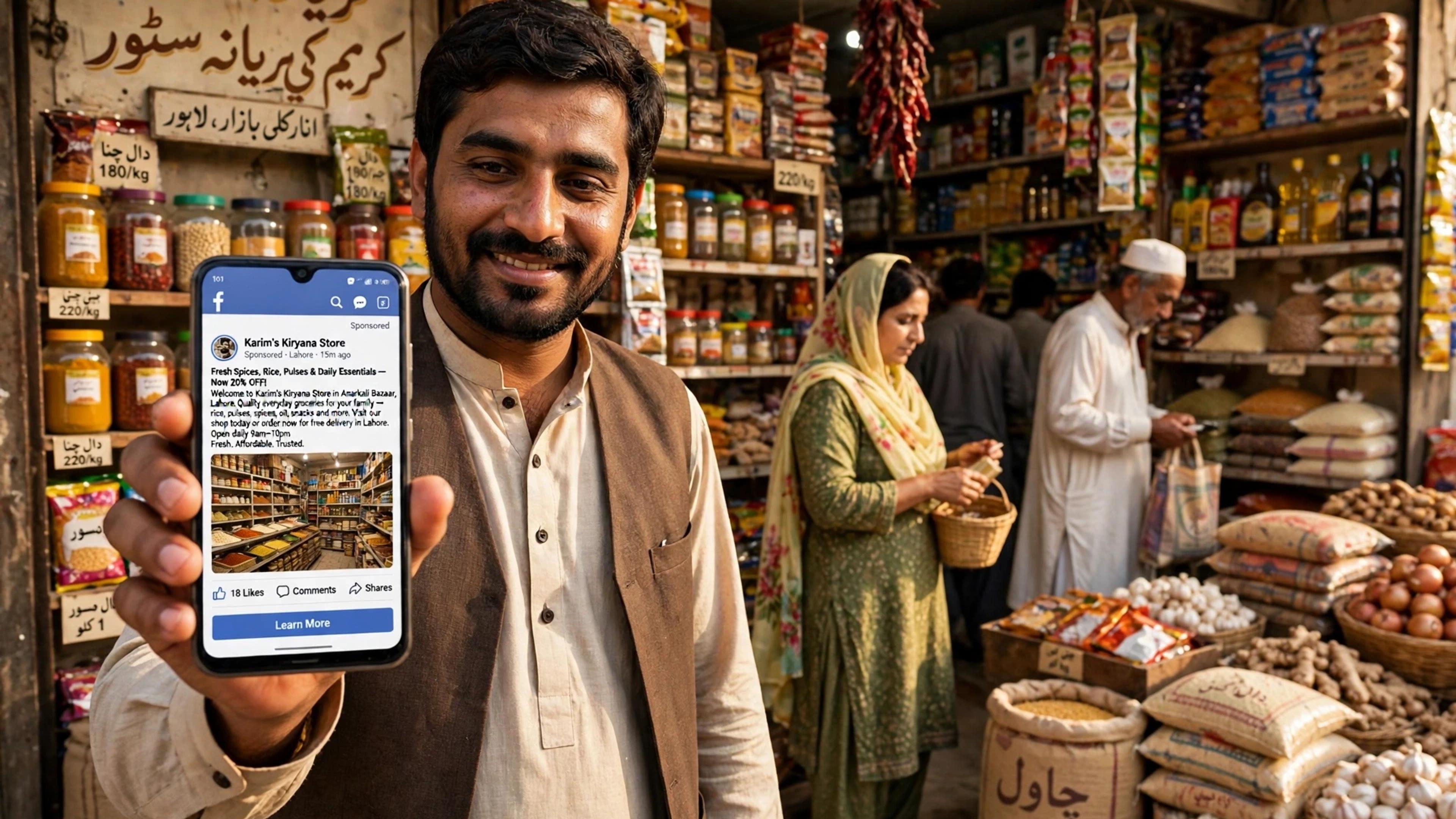
Cover: photorealistic scene, a Pakistani small shop owner in Lahore holding a smartphone showing a Facebook ad for his shop, customers browsing in a bright local market shop behind him, warm daylight. Alt text: "Facebook ads for small business Pakistan: a shop owner checking his Facebook ad on a phone". File: blog-pk-29/cover.webp
Inline 1 (after the "Pick the goal that matches what you want" H2): clean flat illustration of Facebook ad goal choices for a small business, message bubble, lead form, website click, and shopping bag icons arranged around a phone, simple colours. Alt text: "Facebook ads for small business Pakistan ad goals: messages, leads, traffic, and sales". Caption: "Pick the goal that matches what you want, or Facebook will optimise for the wrong thing." File: blog-pk-29/inline1.webp
Inline 2 (after the "Write an ad Pakistanis actually reply to" H2): clean flat illustration of a Pakistani shopkeeper replying to a customer on WhatsApp after a Facebook ad, with a phone showing a chat and a small shop in the background, simple colours. Alt text: "Shopkeeper replying on WhatsApp to a customer from a Facebook ad". Caption: "The ad wins the tap, but a fast human reply on WhatsApp wins the customer." File: blog-pk-29/inline2.webp
Want help with this?
Lixber can do it for you.
See how we handle seo for businesses in Pakistan, with a written plan and price after a free call.
Explore lixber.com/seo →Newsletter
One practical tip a week.
Plain-English advice for local businesses. No spam.
Written by
Shayan TayyabShayan Tayyab is the creative head at Lixber, working across marketing, design, video editing and content creation.
Keep reading
All guides
Google Business Profile for Doctors in Pakistan
A Google Business Profile for doctors in Pakistan puts your clinic on Google Maps when patients search nearby. Setup, verification, reviews and ranking steps for clinics and doctors.
A Google Business Profile for doctors in Pakistan puts your clinic on Google Maps when patients search nearby. Setup, verification, reviews and ranking steps for clinics and doctors.
How to Recover a Lost Google Business Profile in Pakistan
Lost access to your Google Business Profile? This guide shows Pakistani business owners how to recover it step by step, from requesting access to appealing a suspension.
Lost access to your Google Business Profile? This guide shows Pakistani business owners how to recover it step by step, from requesting access to appealing a suspension.

Google Business Profile Verification Problems Pakistan
Google Business Profile verification problems in Pakistan usually mean a failed video, a postcard that never arrives, or a detail that does not match. Here is how to fix each one.
Google Business Profile verification problems in Pakistan usually mean a failed video, a postcard that never arrives, or a detail that does not match. Here is how to fix each one.