
How to Recover a Lost Google Business Profile in Pakistan
Lost access to your Google Business Profile? This guide shows Pakistani business owners how to recover it step by step, from requesting access to appealing a suspension.
On this page (13) +
You search for your shop on Google Maps and your listing is there, but you cannot log in to manage it. The phone number is wrong, the timings are old, and customers keep calling a number that no longer works. Learning how to recover a lost Google Business Profile in Pakistan is the first step to fixing that.
A lost profile usually means one of three things: you lost access to the Google account that owns it, someone else claimed it, or Google suspended it. Each one has a different fix, so do not create a new profile. A duplicate listing makes the problem worse. Work out which situation you are in first, then follow the matching steps.
First, work out how you lost the profile
Before you click anything, spend ten minutes finding out what actually happened. Open Google Maps, search for your exact business name and area, and open your listing. If you see a "Claim this business" or "Own this business?" button, the profile has no owner you can reach.
Next, sign in to every Google account your business has ever used and check business.google.com for each one. Many owners in Pakistan set up the profile years ago with a personal Gmail, then forgot which one they used. An old employee or freelancer may also have created it, so ask them before you file any request.
If the listing shows a phone number or email you do not recognise, someone else may have claimed it. If it has vanished from Maps completely, Google may have suspended it. Knowing which of these you face decides the route you take.
Try to get your old Google account back first
If the profile belongs to a Google account you once controlled, recover that account before anything else. Go to Google's account recovery page, enter the email address, and follow the steps. Google will ask for the last password you remember, a recovery phone number or email, and when the account was created. Answer from the same phone and network you used most often, because Google uses that to judge the request is genuine.
If you still have the linked phone number, use the SMS code option. If the number is dead, try the recovery email. If both are gone, answer the security questions and wait for Google's decision, which can take a day or two. That is the quickest version of how to recover a lost Google Business Profile in Pakistan: no ownership request is needed when the old account comes back.
How to recover a lost Google Business Profile in Pakistan when someone else owns it
When someone else claims the profile, Google lets you request access. The current owner gets an email and has 3 days to answer. If they do not answer, you may be able to claim and verify the profile yourself. Here is the process.
- Sign in to a Google account you control and will keep using for the business. Use a business email, not a personal one an employee might take with them.
- Go to business.google.com/add and search for your exact business name and address.
- Select your listing from the results. Google will show that the profile is already claimed.
- Select "Request access" and fill in the form. Google asks for your name, your role in the business, your phone number and your email.
- Submit the request. Google emails the current owner and sends you a confirmation email. Keep it, because the link inside is how you check the request later.
- Wait for the owner to respond. They can approve you as a manager or owner, or they can deny the request.
Be honest on the form. Write your real name and your real role, such as owner or manager. A made-up role slows the request down.
If the current owner is an ex-employee or an old agency, message them first and ask them to transfer the profile or add you as an owner.
What happens after you send the request
Once Google emails the current owner, the clock starts. The owner has 3 days to respond, and each outcome has a clear next step.
If the owner approves you, you get an email saying you now have access. Sign in to business.google.com and check that your name, address, phone number and timings are correct. Fix anything wrong right away, because customers are reading it now.
If the owner denies the request, Google tells you. Challenge the decision from the confirmation email, or contact Google Business Profile support through the help page with your proof of ownership attached.
If the owner does not answer within 3 days, you may be able to claim the profile yourself. Open the confirmation email, select "View request", then "Verify". Google says this option is not always available, so if you do not see it, sign in to your Business Profile and look for a "Claim" or "Verify" button. Google will then ask you to verify the business by text, call, video, or postcard.
Once you get access, Google holds back a few actions for 7 days. For 7 days after you become an owner or manager, you cannot delete the profile, remove other owners or managers, or transfer primary ownership.
If the profile is suspended or removed
Sometimes the profile is not lost to another person at all. Google suspended it, usually because something on the listing broke its rules. Common reasons in Pakistan include a business name stuffed with keywords, a home or P.O. Box address, a wrong category, or a duplicate listing for the same shop.
When the problem is a suspension rather than a lost login, how to recover a lost Google Business Profile in Pakistan means fixing the cause first, then appealing. Do not create a new profile while an appeal is open. Open Google's Business Profile appeals tool, confirm your Google account, select the profile and continue. The tool shows you the reason and the rule it says you broke. Fix the listing, then select "Submit Appeal" and add your evidence.
Google lists four kinds of evidence that strengthen an appeal: business registration, a business licence, tax certificates, and utility bills. For a Pakistani business, that means your NTN certificate, trade licence, SECP registration if you have one, or a recent utility bill in the business name.
Watch the clock here. Google says that once you open the evidence form, you must submit it within 60 minutes or the evidence will not be attached, so gather your documents first. Google gives no fixed time for its decision and will email you when it has reviewed the appeal.
How to stop losing your profile again
Getting the profile back is only half the job. Most businesses lose it again the same way: one person held the keys and nobody else knew them.
- Keep the profile on a business Google account, not a personal Gmail or an employee's account.
- Add a second owner: you and a trusted partner or manager. If one account is lost, the other still has access.
- Save the login details in one safe place the owner controls, not in a chat message or on a staff member's phone.
- Write down which Google account owns the profile and keep the note with your business documents.
- Check the profile once a month. Log in, confirm the phone number and timings are right, and answer new reviews.
- When an employee or agency stops working with you, remove their access the same week.
These steps cost nothing and take less than an hour. A complete profile also helps your ranking, so once it is back, keep it tidy with real photos, correct timings and fresh reviews. Our SEO services cover local Google Maps work for Pakistani businesses, and a proper business website linked from the profile gives customers somewhere to go.
Frequently asked questions about how to recover a lost Google Business Profile in Pakistan
How do I recover a lost Google Business Profile in Pakistan if I forgot the email?
Start with Google's account recovery page and try every Gmail address you have ever used for the business. If you get the old account back, the profile comes back with it. If not, use the request access route at business.google.com/add.
What is a Google Business Profile access request in Pakistan?
It is the form you send when someone else owns your business profile, and the main route for how to recover a lost Google Business Profile in Pakistan in that situation. Find your listing at business.google.com/add, select "Request access", and fill in your name, role and contact details. Google emails the current owner. If they do not answer in 3 days, you may be able to claim and verify the profile yourself.
How long does it take to recover a Google Business Profile?
It varies. Recovering the old Google account can take a day or two. A request access form gives the current owner 3 days to answer, and a claim after that adds a few more days.
Can I recover my Google Business Profile if the owner left the company?
Yes. Send a request access form from a Google account you control. Google emails the old owner, and if they do not answer within 3 days, you may be able to claim the profile yourself and verify it by phone, video or postcard.
What do I do if my Google Business Profile was suspended in Pakistan?
Fix whatever broke Google's rules first, then open the Business Profile appeals tool, select the profile, read the reason, and submit an appeal with evidence such as your NTN certificate, trade licence or a business utility bill. Submit the evidence within 60 minutes of opening the form.
The recovery process itself is free: Google charges nothing for a request, a claim, a verification or an appeal. Learning how to recover a lost Google Business Profile in Pakistan is mostly about patience and proof. Work out how you lost it, try the old account first, request access if someone else owns it, and appeal with real documents if Google suspended it. If you want help with your Google Business Profile or getting found on Google Maps, message Lixber on WhatsApp or book a free call at https://www.lixber.com/#contact.
8. Images
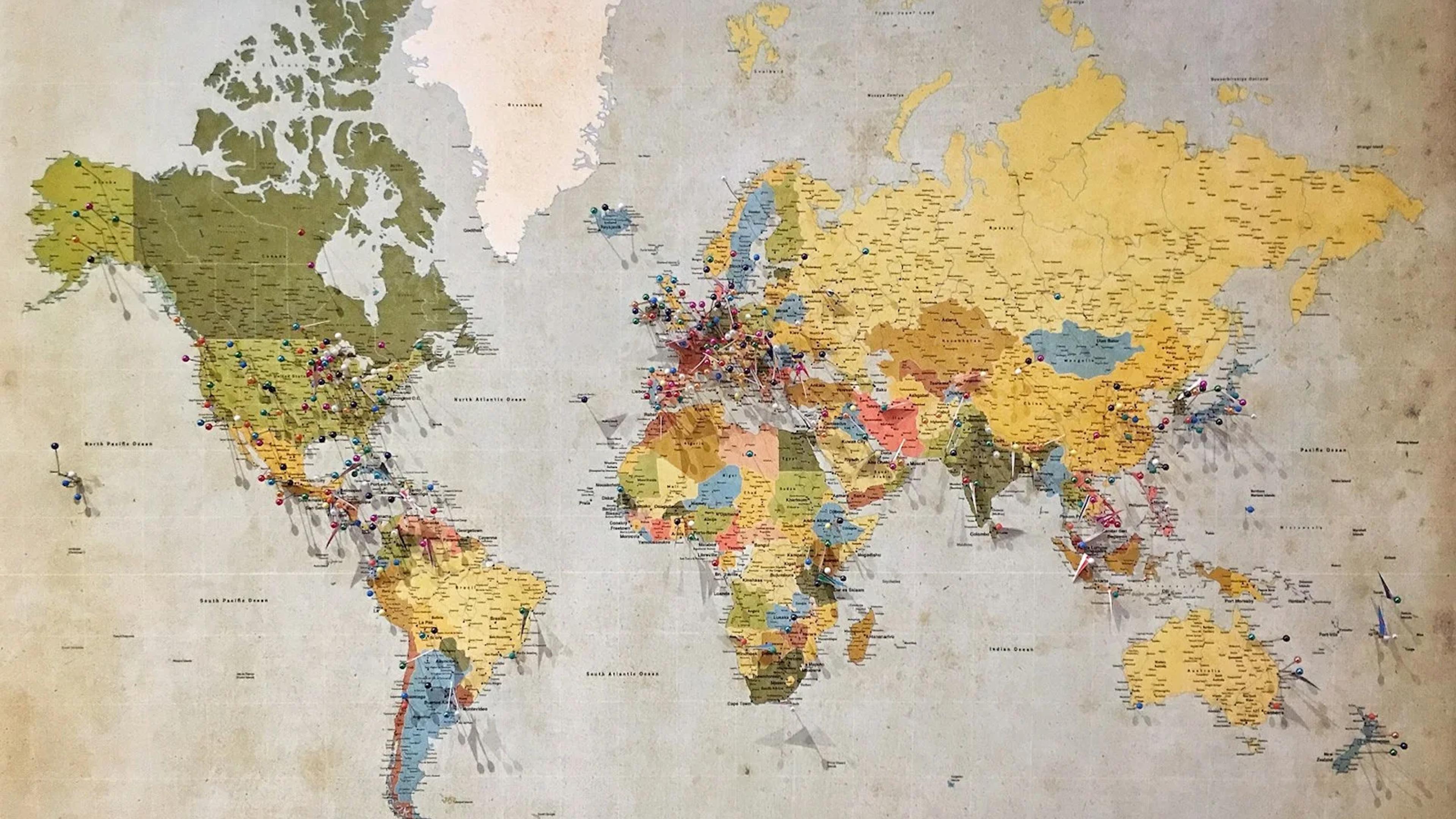
Cover: real photo, a world map covered in coloured location pins. Alt text: "How to recover a lost Google Business Profile in Pakistan: a map covered in location pins". File: blog-pk-37/cover.webp. Source: https://images.unsplash.com/photo-1524661135-423995f22d0b?w=1600&q=80 (Unsplash)
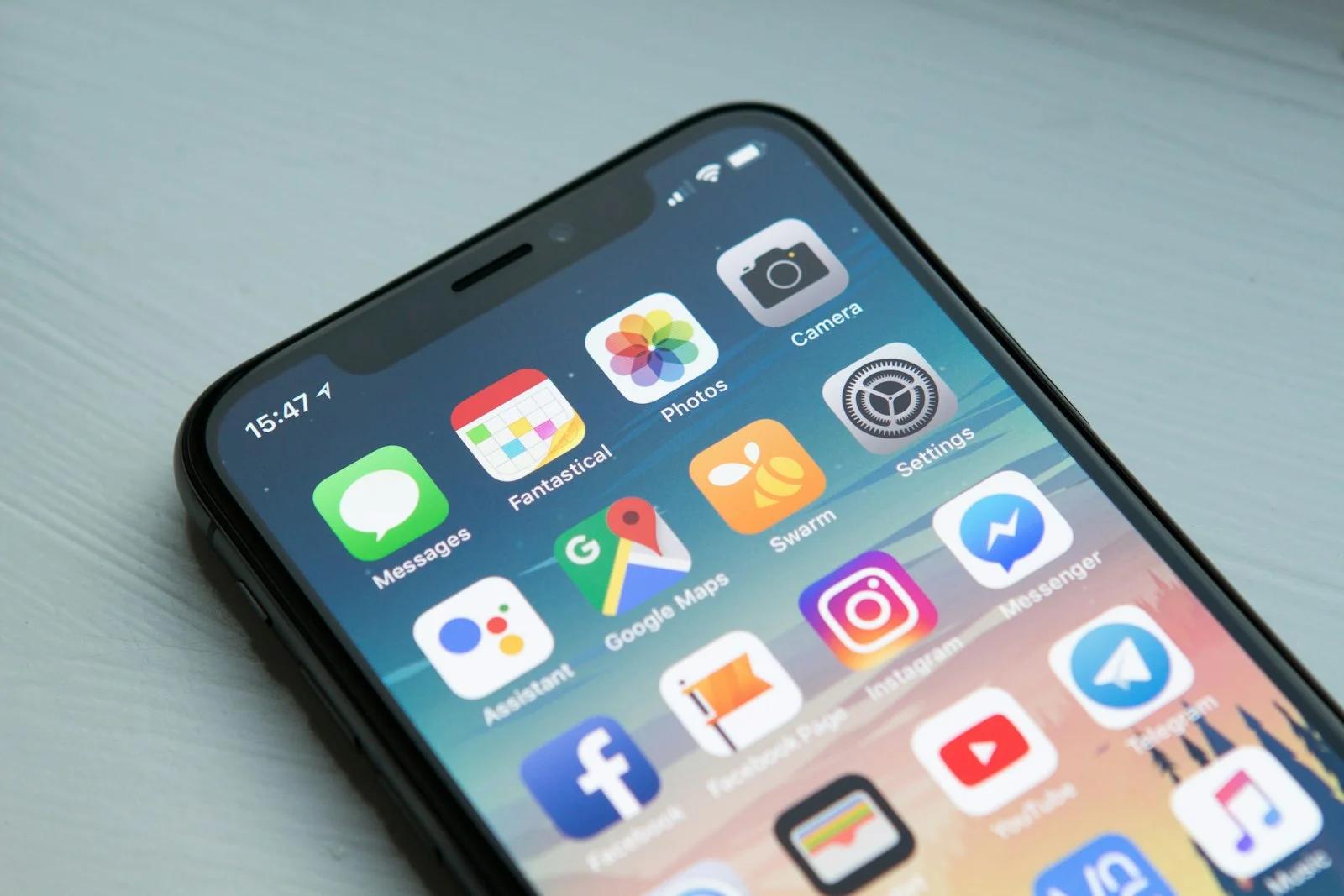
Inline 1 (after the "How to recover a lost Google Business Profile in Pakistan when someone else owns it" H2): real photo, a smartphone home screen showing the Google Maps app icon. Alt text: "A phone showing the Google Maps app, used to find and claim a business listing". Caption: "Search for your exact business name on Google Maps before you send any request, so you know what you are claiming." File: blog-pk-37/inline1.webp. Source: https://images.unsplash.com/photo-1512941937669-90a1b58e7e9c?w=1600&q=80 (Unsplash)
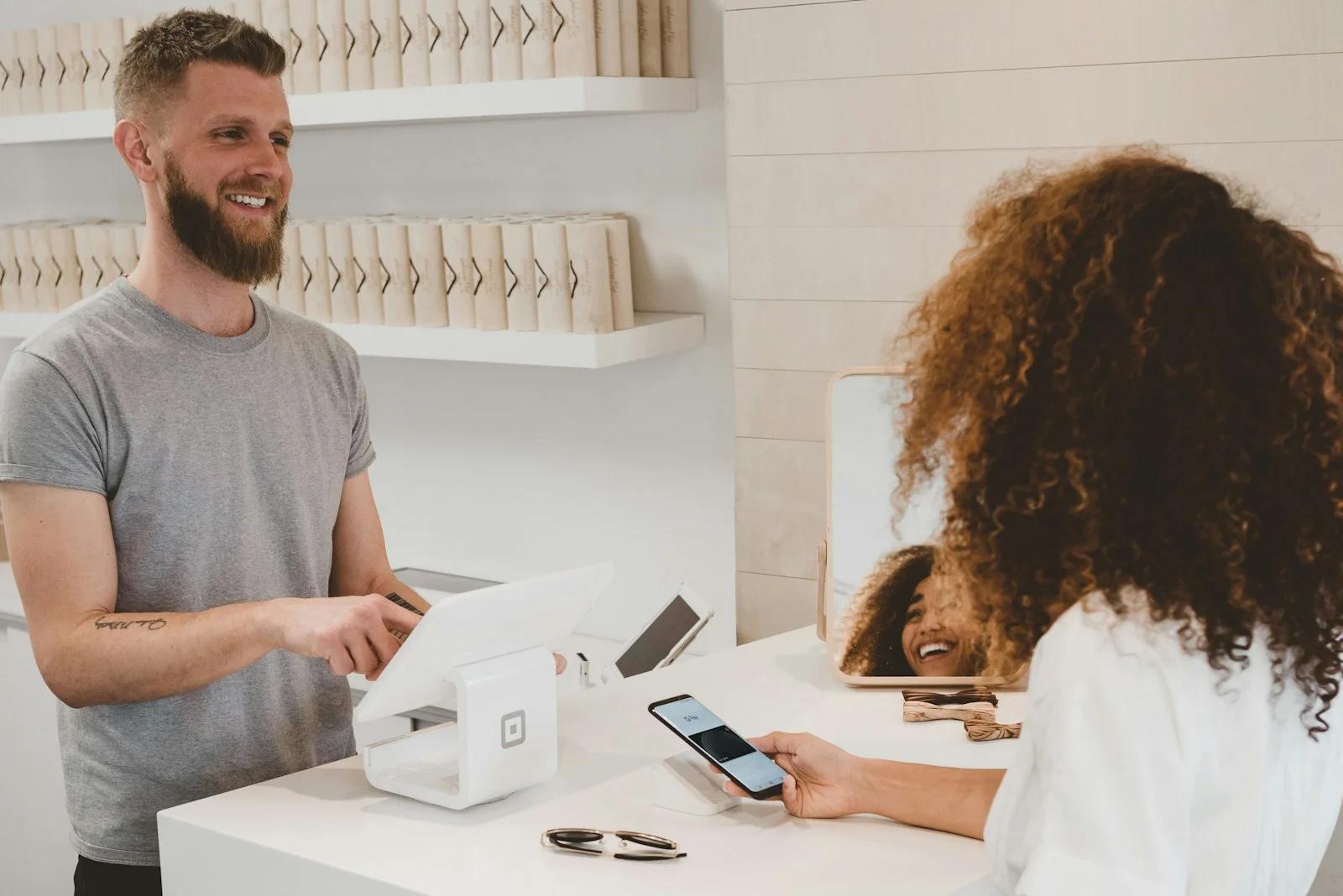
Inline 2 (after the "How to stop losing your profile again" H2): real photo, a shop owner serving a customer at a counter. Alt text: "A shop owner helping a customer at the counter". Caption: "Keep your profile on a business account with a second owner, so one lost login never locks you out again." File: blog-pk-37/inline2.webp. Source: https://images.unsplash.com/photo-1556742049-0cfed4f6a45d?w=1600&q=80 (Unsplash)
Want help with this?
Lixber can do it for you.
See how we handle seo for businesses in Pakistan, with a written plan and price after a free call.
Explore lixber.com/seo →Newsletter
One practical tip a week.
Plain-English advice for local businesses. No spam.
Written by
Rehan AliRehan Ali is a software engineer and co-founder of Lixber, a digital agency building websites, SEO and automation for service businesses.
Keep reading
All guides
Google Business Profile for Doctors in Pakistan
A Google Business Profile for doctors in Pakistan puts your clinic on Google Maps when patients search nearby. Setup, verification, reviews and ranking steps for clinics and doctors.
A Google Business Profile for doctors in Pakistan puts your clinic on Google Maps when patients search nearby. Setup, verification, reviews and ranking steps for clinics and doctors.

Google Business Profile Verification Problems Pakistan
Google Business Profile verification problems in Pakistan usually mean a failed video, a postcard that never arrives, or a detail that does not match. Here is how to fix each one.
Google Business Profile verification problems in Pakistan usually mean a failed video, a postcard that never arrives, or a detail that does not match. Here is how to fix each one.
Facebook Ads for Small Business Pakistan
By Shayan Tayyab10 min readSEO
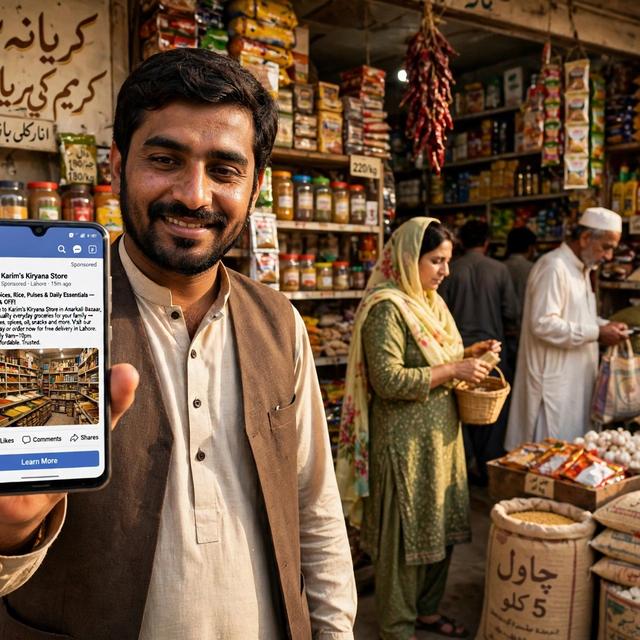
Facebook ads for small business Pakistan: how to run ads that bring WhatsApp messages, calls, and orders, without wasting money on the wrong audience or the wrong goal.
Facebook ads for small business Pakistan: how to run ads that bring WhatsApp messages, calls, and orders, without wasting money on the wrong audience or the wrong goal.