
Google Business Profile Verification Problems Pakistan
Google Business Profile verification problems in Pakistan usually mean a failed video, a postcard that never arrives, or a detail that does not match. Here is how to fix each one.

On this page (14) +
Google Business Profile verification problems Pakistan owners report usually come down to three things: a video Google rejects, a postcard code that never arrives, or a business detail that does not match the real world. Until verification is done, your profile stays half invisible on Google Maps, your edits do not go fully live, and customers who search for what you sell see your competitors instead.
What Google Business Profile verification problems Pakistan businesses face
Verification is how Google checks that your business is real and that you run it. Until it is done, Google will not show your full business information on Search and Maps.
Google Business Profile verification problems in Pakistan look different from the ones in other countries. Postcard delivery is unreliable in many Pakistani cities, phone verification is rarely offered, and Google now defaults to video verification. That is why the video is where most owners get stuck.
Owners confuse four situations with each other, and each one has a different fix. Not verified yet means you started but never finished. Verification failed means Google did not accept your proof. Suspended or disabled means Google decided the profile breaks its rules. Lost access means someone else created the profile, often a former employee or a web designer. Work out which one you have first. Creating a second profile, requesting code after code, or sending the same failed video again makes things worse, not better.
The verification methods Google offers in Pakistan
Google decides which verification methods your profile gets. You cannot pick from a menu, and the options change from one business to another. These are the methods Pakistani businesses usually see when they try to verify business on Google Pakistan.
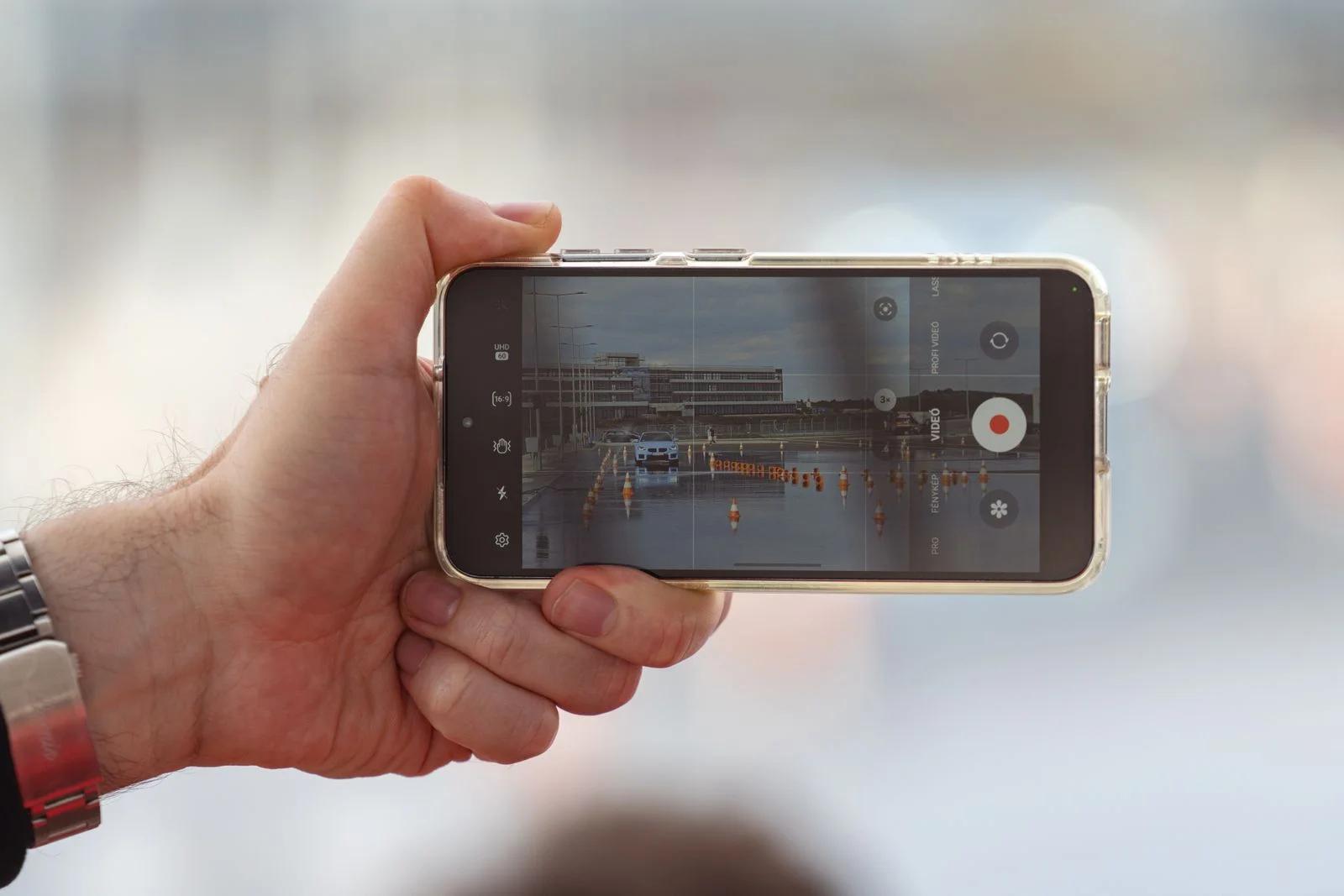
Video verification. This is now the default for most new profiles in Pakistan. Google asks you to record a short video on your phone that shows your business is real. It must be at least 30 seconds long, in one continuous take with no edits, and Google says the review can take up to 5 business days.
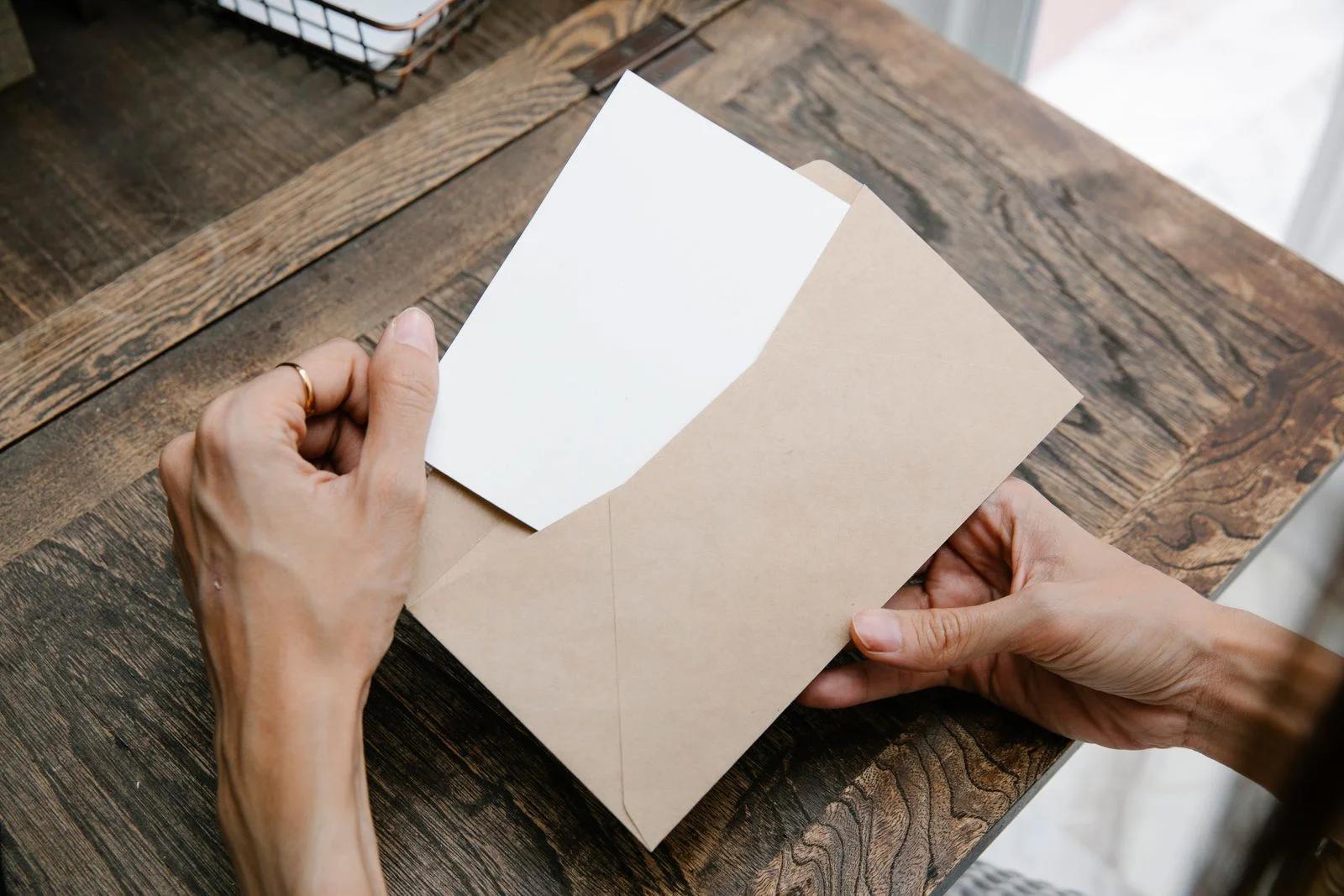
Postcard verification. Google posts a letter with a code to your business address. It usually arrives within 14 days and expires after 30 days. In Pakistan this method is slow and sometimes the letter never comes, which is why Google now prefers video.
Phone, email, or live video call. Some profiles are offered a code by phone call, text, or email, and a few are offered a live video call with Google support. These are the fastest methods when they appear, but Google offers them rarely in Pakistan.
How to pass video verification the first time
Most failed videos fail for the same few reasons. Google needs to see four things in one unedited recording, and if any one of them is missing or unclear, the video is rejected.
Start outside. Stand on the street and show the building number and the street name if you can. Walk slowly towards your shop, clinic, or office so the camera can see the signboard. The name on the sign must match the profile.
Then go inside and walk through the real workspace: the clinic room, the salon chairs, the shelves, or the desks. This is the part that proves you work there. A video of an empty room or a closed shutter tells Google nothing.
Finally, show proof that you manage the business. The easiest way is to open your Google Business Profile dashboard on a laptop screen inside the video. Branded stationery, a bill book, or your own tools and stock also work. Pan slowly and do not edit the recording.
Before you record, check that the name, address, and category on the profile match the signboard and the real address exactly, that you are signed in to the Google account that manages the profile, and that the light is good enough to read the signboard. Do not change the name, address, or category while verification is pending, because changing them can restart the process. If Google rejects your video, read the exact message on the profile first. Do not send the same video again. Fix what was unclear, record a fresh video, and submit that.
Your postcard code never arrived: what to do
Postcard verification still fails often in Pakistan because the letter travels through the regular post. If 14 days have passed and nothing arrived, do this in order.
First, check the address on the profile against the address your post office uses. A missing street number or a different spelling can send the letter somewhere else. Fix the address only if it is wrong. Do not edit the profile between requests if the address is right, because edits can restart the process.
Second, request a new postcard from the profile and wait for it. Do not request a third one while the second is on its way.
Third, check whether Google now offers you video verification instead. Many profiles in Pakistan are offered video after a postcard fails, and video is faster. If video appears as an option, take it.
If the code arrives, enter it exactly as printed. Codes expire after 30 days, so do not leave the letter sitting on a desk. If two postcards have failed to arrive, stop requesting postcards and use the support route shown on your profile to ask Google for another method. A website with your address and phone number on it also helps Google trust that your business is real.
Google Maps verification not working Pakistan: the 6 most common reasons
When owners search "Google Maps verification not working Pakistan", the cause is usually one of these six. Check them in this order before you contact support.
- The name does not match. The signboard says one name and the profile says another, or someone added words like "best" or a city name to the business name. Google rejects this, and it is a common cause of suspension. Use your real business name only.
- The address does not match. The profile address is not the address on your utility bill, your tenancy agreement, or the building itself. In Pakistan, a utility bill from LESCO, K-Electric, IESCO, or SNGPL in the business name, an NTN certificate, or a matching tenancy agreement all help prove the location is real.
- You edited the profile mid-verification. Changing the name, address, or category while verification is pending can restart the process. Finish verification first.
- The video is too short or edited. A video under 30 seconds, or one with cuts, will be rejected. Record one continuous take.
- The business is not eligible. Google only verifies businesses that meet customers in person during stated hours. An online-only business, a virtual office, or a PO box does not qualify. Service-area businesses that visit customers can still verify, but they must hide the home address.
- There is a duplicate profile. Google may already have a listing for your business, created from directory data, with an old phone number or wrong timings. Verify the existing one instead of making a new profile.
If you have checked all six and verification still fails, do not keep trying the same thing. Open the support option shown on your profile and explain what you tried and what message Google showed.
Google Business Profile verification problems Pakistan: suspended or just unverified?
A failed verification and a suspension are not the same problem, and they need different fixes.
A profile that is only unverified shows a "Get verified" prompt, and you can still work on it. A suspended profile shows a notice that it has been disabled, and it will not show to anyone until you resolve the issue. Google also sends a notice to the account that manages the profile.
Suspensions usually follow a guideline problem. The most common ones in Pakistan are keywords stuffed into the business name, a virtual office or PO box used as an address, a service-area business showing a home address, or a sudden change of name, address, and category all at once. Fake extra listings for the same location also get suspended.
To fix a suspension, open Google's appeals tool from the notice on your profile. It shows the reason for the decision and a link to the rule Google says you broke. Fix that exact problem first, then submit the appeal with proof, such as a photo of your signboard or a document that matches your address. Do not appeal before you have fixed the problem, or it will be refused again.
A simple checklist to get verified this week
Follow these steps in order. Most businesses that follow them get verified within a week.
- Check the profile name, address, phone number, and category match the signboard and the real world.
- Check for a duplicate listing and claim the existing one instead of making a new profile.
- Take the verification method Google offers, the same day it appears.
- For video, record one unedited take of at least 30 seconds: street and building number, signboard, inside the premises, and proof you manage the business.
- For postcard, check the address format, request one code, wait 14 days, and enter it before it expires after 30 days.
- Do not edit the name, address, or category while verification is pending.
- Add a second owner from a different Google account once you are verified, so you never lose access if one account is lost.
- Keep your name, address, and phone number identical on your website, your Google profile, and your Facebook page. Good SEO depends on Google trusting those details, and a clean design means little if Google cannot trust your pages.
Google Business Profile verification problems Pakistan businesses face are frustrating, but they are fixable. Work out whether you are unverified, failed, suspended, or locked out, fix the exact cause, and take the method Google offers. Once you are verified, keep the details the same everywhere and reply to your reviews, because a verified profile that stays complete and active is the one customers find first.
If your business is stuck on verification, or you want your profile, website, and Google Maps listing to work together properly, message Lixber on WhatsApp or book a free call: https://www.lixber.com/#contact.
Frequently asked questions
How long does Google Business Profile verification take in Pakistan?
It depends on the method. A video review can take up to 5 business days. A postcard code usually arrives within 14 days and expires after 30 days. Phone or email codes arrive in minutes when offered, but they are rarely offered in Pakistan.
Why is my Google Business Profile verification not working?
The most common reasons are a name or address that does not match the signboard or the real world, a video that is too short or edited, an edit made while verification was pending, or a duplicate listing. Check the exact message on your profile, fix that problem, and try again with fresh proof.
What should I show in a Google Business Profile verification video?
Record one unedited video of at least 30 seconds showing the street with the building number, your storefront with the signboard, the inside of your premises, and proof you manage the business, such as your Google Business Profile dashboard open on a screen. Pan slowly and do not edit it.
My Google Business Profile verification postcard never arrived. What now?
Check that the address matches what your post office uses, then request a new postcard and wait up to 14 days. Do not edit the profile in between, because edits can restart the process. If a second postcard also fails, check whether Google now offers video verification.
Can I verify my Google Business Profile without an address in Pakistan?
If your business visits customers instead of serving them at your location, set it up as a service-area business and hide your address. You still need a real location for verification, but customers will not see it. An online-only business, a virtual office, or a PO box does not qualify.
8. Images
Cover: real photo, a shopfront at night with bright signage and food displays, a busy street business that customers can find easily. Alt text: "Google Business Profile verification problems Pakistan: a shopfront with clear signage at night". File: blog-pk-32/cover.webp. Source: https://images.pexels.com/photos/21576130/pexels-photo-21576130/free-photo-of-exterior-of-a-store.jpeg (Pexels)
Inline 1 (after the "How to pass video verification the first time" H2): real photo of a hand holding a smartphone recording a video outdoors. Alt text: "Recording a Google Business Profile verification video on a smartphone". Caption: "Record your verification video in one continuous take, starting from the street outside your business." File: blog-pk-32/inline1.webp. Source: https://images.pexels.com/photos/18285525/pexels-photo-18285525/free-photo-of-hand-holding-smartphone-and-recording-video-of-car.jpeg (Pexels)
Inline 2 (after the "Your postcard code never arrived: what to do" H2): real photo of hands holding a letter inside a brown envelope on a wooden desk, viewed from above. Alt text: "A verification postcard letter in a brown envelope". Caption: "Postcard codes usually arrive within 14 days and expire after 30 days, so enter yours as soon as it lands." File: blog-pk-32/inline2.webp. Source: https://images.pexels.com/photos/7318931/pexels-photo-7318931.jpeg (Pexels)
Want help with this?
Lixber can do it for you.
See how we handle seo for businesses in Pakistan, with a written plan and price after a free call.
Explore lixber.com/seo →Newsletter
One practical tip a week.
Plain-English advice for local businesses. No spam.
Written by
Rehan AliRehan Ali is a software engineer and co-founder of Lixber, a digital agency building websites, SEO and automation for service businesses.
Keep reading
All guides
Google Business Profile for Doctors in Pakistan
A Google Business Profile for doctors in Pakistan puts your clinic on Google Maps when patients search nearby. Setup, verification, reviews and ranking steps for clinics and doctors.
A Google Business Profile for doctors in Pakistan puts your clinic on Google Maps when patients search nearby. Setup, verification, reviews and ranking steps for clinics and doctors.
How to Recover a Lost Google Business Profile in Pakistan
Lost access to your Google Business Profile? This guide shows Pakistani business owners how to recover it step by step, from requesting access to appealing a suspension.
Lost access to your Google Business Profile? This guide shows Pakistani business owners how to recover it step by step, from requesting access to appealing a suspension.
Facebook Ads for Small Business Pakistan
By Shayan Tayyab10 min readSEO
Facebook ads for small business Pakistan: how to run ads that bring WhatsApp messages, calls, and orders, without wasting money on the wrong audience or the wrong goal.
Facebook ads for small business Pakistan: how to run ads that bring WhatsApp messages, calls, and orders, without wasting money on the wrong audience or the wrong goal.