
How to Get Google Reviews in Pakistan: A Simple Guide
How to get Google reviews in Pakistan: ask at the right moment, send a simple WhatsApp link or QR code, and reply to every review, without buying reviews or breaking Google's rules.
On this page (8) +
Learning how to get Google reviews in Pakistan is one of the cheapest ways for a local business to win new customers. When someone in Lahore, Karachi or Islamabad searches for a salon, clinic, restaurant or shop near them, Google shows businesses with recent, genuine reviews first, and customers trust those stars before they ever call. You do not need ads or a big budget to earn them. You need a verified Google Business Profile, a simple way to ask, and a habit of asking every happy customer at the right moment.
This guide explains the full process in plain language: how to set up your review link, what to say on WhatsApp, how to use a QR code at your counter, what to do about bad reviews, and what never to do. It works for a single shop, a clinic, a salon, a restaurant, a wedding hall or a small business with a few branches.
Why Google reviews matter so much for Pakistani businesses
Most customers in Pakistan now check Google Maps before visiting a new place. They look at the star rating, read a few recent reviews, and check photos, timings and the phone number. A business with 40 recent reviews looks alive and trusted. A business with no reviews, or with reviews from two years ago, looks risky, even if its work is excellent. Reviews also help your ranking: Google shows businesses with more recent, genuine reviews higher in Maps results, which brings more calls and walk-ins without advertising.
Reviews also answer questions your website cannot. A customer who reads that your salon is clean or your restaurant serves food on time has already half-decided before contacting you. Collecting reviews is not vanity. It is the most visible proof of your work, and in a market where word of mouth has moved online, it is the new word of mouth.
Before you ask: get your profile ready
Asking for reviews only works if your Google Business Profile is claimed, verified and complete. If a customer clicks your review link and lands on a half-empty profile with a wrong number or old photos, the review may never arrive, and the customer may doubt the business. Fix the basics first.
Start by claiming your profile on Google Business Profile and completing verification, which Google usually does by video, phone or postcard depending on the business type. Use your real business name exactly as it appears on your signboard, not a name stuffed with keywords, because keyword-stuffed names can get a profile suspended. Set the correct category, for example "hair salon" or "dental clinic", add your address with a correct map pin, your answered phone number, your opening hours including Ramadan or Eid timings, and a plain description of what you do. Add real photos: the shopfront, the inside, your team and your work. A clean, mobile-friendly design on your website helps too, since customers often click through from your profile to check your work. A profile that looks complete and current earns reviews far more easily than one that looks abandoned. If this setup feels confusing, Lixber's SEO team handles profile setup and verification support for businesses across Pakistan.
How to get Google reviews in Pakistan: the step-by-step plan
Once your profile is ready, follow this simple routine for every happy customer.
- Get your review link. Open your Google Business Profile, find the "Ask for reviews" option, and copy the short link Google gives you. This link takes a customer straight to the review box for your business. Save it somewhere your whole team can reach it.
- Ask at the right moment. The best time is right after a good result, while the customer is still happy: after a haircut they love, a meal they enjoyed, a treatment that went well, or a delivery that arrived on time. Asking days later gets far fewer replies.
- Ask in person first, then follow up on WhatsApp. A short, friendly spoken request works best. Say something simple like, "If you liked our work, a Google review would really help us. I can send you the link on WhatsApp." Then send it the same day.
- Keep the message short. Customers open WhatsApp far more than email in Pakistan, so WhatsApp is the best channel for the follow-up. One short message with the link is enough. Do not send long paragraphs or send the request three times.
- Make it easy for walk-in customers with a QR code. Print your review link as a QR code on a small stand at the counter, on the bill, or on a thank-you card. Many customers will scan it on the spot, which is the easiest review of all.
- Thank every reviewer. A short reply to each review, good or bad, shows future customers that you care. It also encourages the next customer to leave one.
- Repeat it every day. Reviews come from routine, not from one big push. Five genuine reviews a month, every month, beats 50 reviews in one week followed by silence.
What to say: WhatsApp scripts that actually work
Customers say yes more often when the request is short and personal. Here are scripts you can copy and adjust.
For a salon or clinic: "Assalam-o-Alaikum, thank you for visiting us today. If you liked our service, please leave us a Google review here: [link]. It takes less than a minute and really helps our small business. Shukriya!"
For a restaurant: "Thank you for dining with us today. If you enjoyed your meal, a quick Google review here [link] would mean a lot to us."
For a shop or service business: "Thank you for choosing us. If you are happy with your order, please share a Google review here: [link]. Your feedback helps other customers find us."
Two rules matter here. First, ask for an honest review, never for a five-star review. Telling a customer what rating to give is against Google's rules and makes the review look fake. Second, never offer a discount, freebie or cashback in exchange for a review. Incentives are a policy violation, Google removes such reviews, and a suspended profile is far harder to fix than a slow start. Honest reviews from real customers are the only kind worth having.
How to get Google reviews in Pakistan without breaking the rules
Google removes fake reviews and can suspend profiles that try to game the system, so it is worth knowing the lines clearly. Never buy reviews, never ask friends or staff to post reviews pretending to be customers, and never post reviews for your own business. Do not use a review station at your counter where customers post from your own device, because reviews from the same device or location look suspicious. Each customer should review from their own phone and account.
Also avoid sudden bursts: 40 reviews in one week after months of silence can look like manipulation. A steady pace of a few reviews a week is natural and safe, even for seasonal businesses like wedding halls, where reviews cluster around event season. Keep a simple record of who you asked, so you never ask the same customer twice or pressure anyone who declined.
What to do about bad reviews
Every business gets a bad review eventually, and how you handle it matters more than the review itself. Future customers read your replies closely, and a calm, specific reply can win back more trust than the complaint cost. Reply within a day or two, thank the reviewer, apologise for their experience without arguing, and offer a way to fix it, such as a phone number or a visit. Keep it short and human. Never argue in public, never accuse the reviewer of lying, and never reveal private details about their visit.
If a review is fake, abusive or from someone who was never a customer, you can flag it to Google for removal, but removal is not guaranteed, so a polite public reply is still worth writing while you wait. If the complaint points to a real problem, fix the problem first and say so in your reply. A business that visibly learns from feedback looks far more trustworthy than one with a perfect score and no replies at all. Your website supports this too: a clear web presence with correct contact details and real photos makes it easy for unhappy customers to reach you directly instead of only through a public review.
Frequently asked questions
How many Google reviews does a small business in Pakistan need? There is no fixed number, but a profile with 20 to 50 recent, genuine reviews usually looks trustworthy to customers, and more recent reviews matter more than a large old total. Start with your first 10, then keep a steady pace of a few each month rather than chasing a big number all at once.
Can I ask customers for Google reviews on WhatsApp? Yes, WhatsApp is the best channel for most Pakistani businesses, because customers open it far more than email. Keep the message short, send it the same day as the visit, and ask for an honest review, never for a specific star rating or in exchange for a discount.
How do I get my Google review link? Open your Google Business Profile, use the "Ask for reviews" option, and copy the short link Google provides. You can share that link on WhatsApp, turn it into a QR code for your counter, or add it to your website's contact page.
Is it against the rules to offer a discount for a Google review? Yes. Google does not allow reviews written in exchange for money, discounts or freebies, and it removes such reviews and can suspend the profile. Ask only for honest reviews from real customers, with no incentive attached.
What should I do if I get a fake or unfair Google review? Reply politely and briefly, without arguing or sharing private details, and flag the review to Google for removal if it breaks the rules. Removal is not guaranteed, so a calm public reply matters, because future customers judge you more by your response than by the complaint.
Getting Google reviews in Pakistan is not about tricks or shortcuts. It is about doing good work, asking at the right moment, making the review easy with a link or QR code, and replying to every reviewer like a real person. Start today with your next happy customer, and in a few months your Maps profile will show the trust your business has already earned. Message Lixber on WhatsApp or book a free call and we will set up your review system for you: https://www.lixber.com/#contact
8. Images
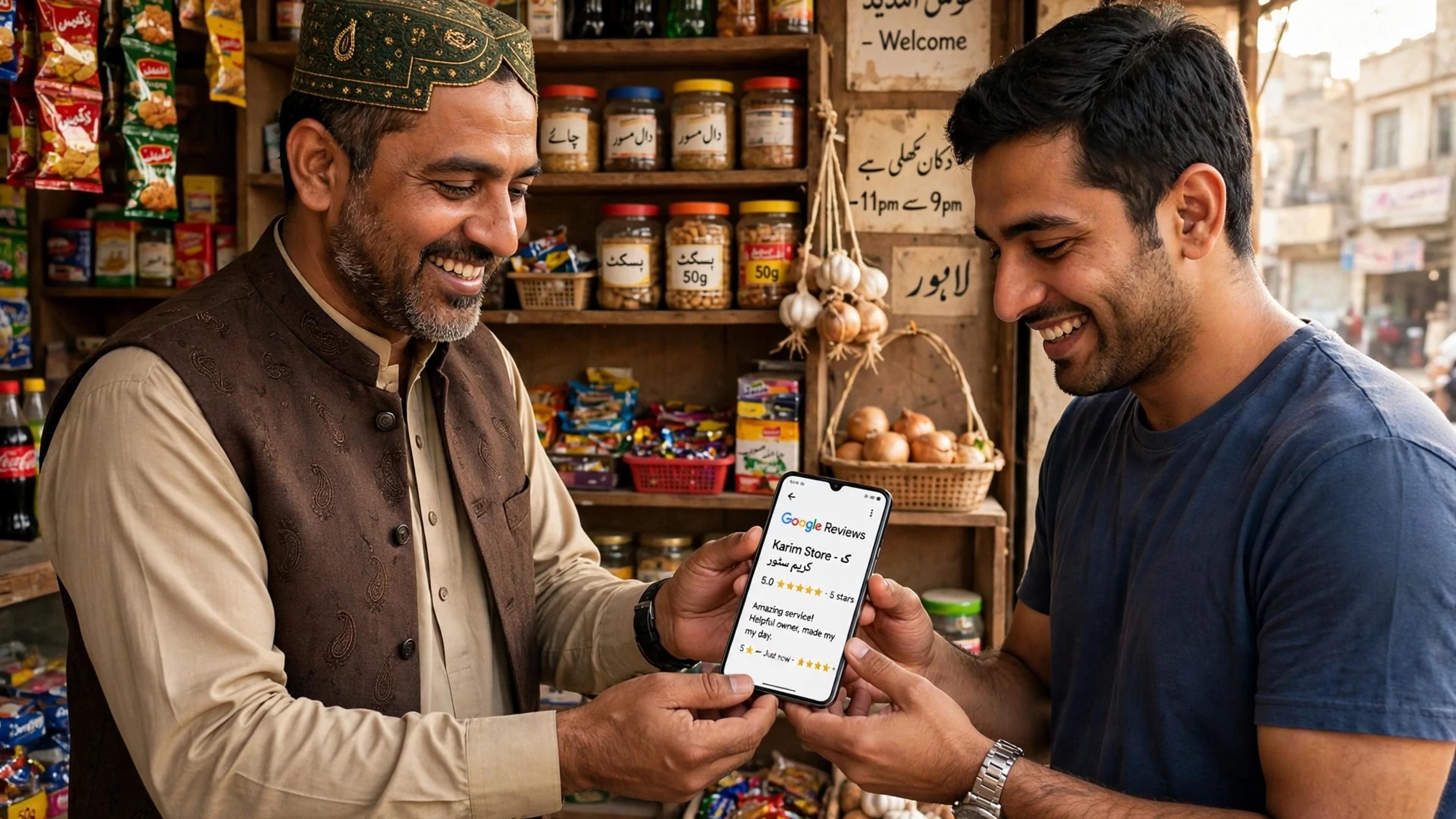
Cover: photorealistic scene, a happy Pakistani shop owner in a small Lahore shop handing a phone to a smiling customer, both looking at a Google review screen with five gold stars, warm daylight, shop shelves in the background. Alt text: "How to get Google reviews in Pakistan: a shop owner helping a customer leave a Google review". File: blog-pk-20/cover-getting-google-reviews-pakistan.webp
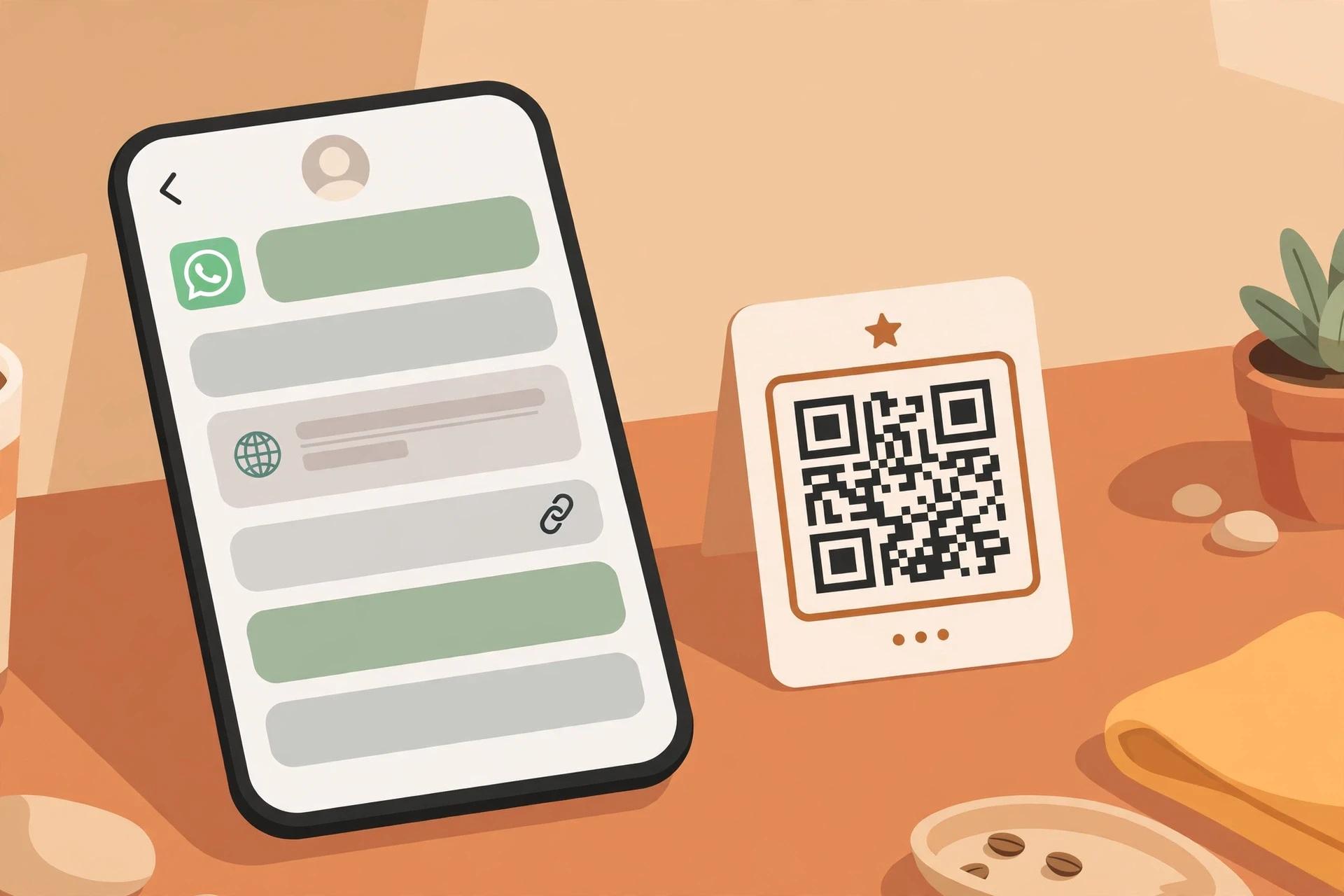
Inline 1 (after the "What to say: WhatsApp scripts that actually work" H2): clean flat illustration of a smartphone showing a WhatsApp message with a Google review link and a QR code card on a shop counter, simple modern style, warm colours. Alt text: "How to get Google reviews in Pakistan with a WhatsApp review link and QR code". Caption: "One short WhatsApp message with the review link, sent the same day, gets more reviews than any long email." File: blog-pk-20/inline1-review-request-whatsapp.webp
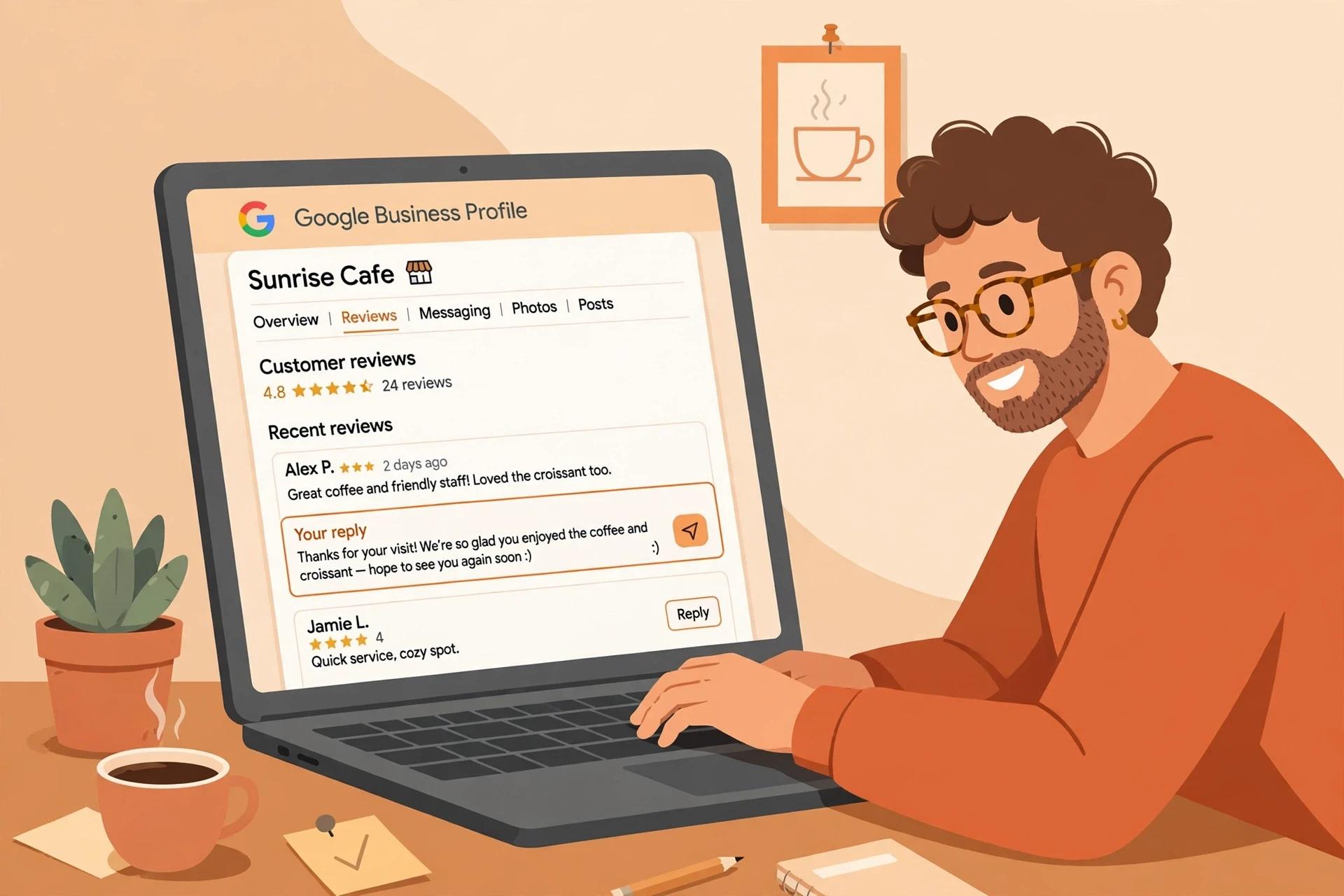
Inline 2 (after the "What to do about bad reviews" H2): clean flat illustration of a laptop showing a Google Business Profile dashboard with customer review stars and reply boxes, a friendly business owner typing a reply, simple modern style, warm colours. Alt text: "Replying to Google reviews on a Google Business Profile dashboard". Caption: "A calm, specific reply to a bad review wins back more trust than the complaint cost." File: blog-pk-20/inline2-replying-to-reviews.webp
Want help with this?
Lixber can do it for you.
See how we handle seo for businesses in Pakistan, with a written plan and price after a free call.
Explore lixber.com/seo →Newsletter
One practical tip a week.
Plain-English advice for local businesses. No spam.
Written by
Rehan AliRehan Ali is a software engineer and co-founder of Lixber, a digital agency building websites, SEO and automation for service businesses.
Keep reading
All guides
Google Business Profile for Doctors in Pakistan
A Google Business Profile for doctors in Pakistan puts your clinic on Google Maps when patients search nearby. Setup, verification, reviews and ranking steps for clinics and doctors.
A Google Business Profile for doctors in Pakistan puts your clinic on Google Maps when patients search nearby. Setup, verification, reviews and ranking steps for clinics and doctors.
How to Recover a Lost Google Business Profile in Pakistan
Lost access to your Google Business Profile? This guide shows Pakistani business owners how to recover it step by step, from requesting access to appealing a suspension.
Lost access to your Google Business Profile? This guide shows Pakistani business owners how to recover it step by step, from requesting access to appealing a suspension.

Google Business Profile Verification Problems Pakistan
Google Business Profile verification problems in Pakistan usually mean a failed video, a postcard that never arrives, or a detail that does not match. Here is how to fix each one.
Google Business Profile verification problems in Pakistan usually mean a failed video, a postcard that never arrives, or a detail that does not match. Here is how to fix each one.