
Get More Customers from Google Maps Pakistan
How to get more customers from Google Maps Pakistan: fix your listing, earn reviews, and turn Maps visitors into calls, WhatsApp messages, and walk-ins.
On this page (14) +
How to get more customers from Google Maps Pakistan starts with one simple idea: your Maps listing is often your shopfront before your shopfront. When someone in Lahore, Karachi, or Islamabad searches for a service near them, Google Maps shows a short list of businesses with photos, ratings, hours, and a call button. The customer picks from that list in seconds, usually without visiting a website first. If your listing is incomplete, out of date, or empty, that customer quietly picks someone else.
This guide is for shop owners, salon owners, clinic owners, restaurant owners, and service providers across Pakistan who want more of those nearby customers. You do not need a big budget or technical skills. You need a complete listing, steady reviews, fresh photos, and a fast way for a stranger to contact you.
How to get more customers from Google Maps Pakistan: start with the listing itself
Before you chase more customers, make sure the customers who already find you can actually reach you. Search for your business name and city on Google Maps, and look at your listing the way a stranger would. Is the name exactly right? Is the phone number one you actually answer? Are the opening hours correct, including Friday prayer breaks, Eid holidays, and any weekly closing day? A wrong number or wrong hours is the fastest way to lose a customer who was ready to visit.
Claim and verify your Google Business Profile if you have not already done so. An unverified listing has limited visibility, and some features stay locked until verification is complete. Once verified, fill in every field Google offers: your exact address or service area, your website, your services, and a plain description of what you do and who you serve. Use the words customers actually type in your description and services, but never add extra keywords to your business name. That breaks Google's rules and can get your listing suspended.
Choose your categories with care. Your primary category should be the one service you most want customers for, because it is the strongest signal Google uses to match you to searches. Add a few secondary categories, but never add categories for work you do not do.
Make your listing complete and easy to contact
A complete listing answers every question a customer has before they contact you. That means your address or service area, your phone number, your hours, your services, and your prices where it makes sense to share them. If you run a home-based service, set a service area instead of showing your home address.
Photos matter more than most owners expect. Upload a clear photo of your shopfront with your signboard visible, so customers can recognise you when they arrive. Add photos of the inside, your team at work, and your products or results. Fresh, real photos tell a visitor that your business is open, active, and trustworthy.
Use the extra features on your profile instead of leaving them empty. Add your services with short descriptions. Answer questions customers leave on your listing. If your business has a website, link it, and make sure the website shows the same name, address, and phone number as your Maps listing. If your website needs work, a proper website refresh that matches your listing is a good place to start.
Reviews: the fastest trust builder on Maps
Reviews are the single most persuasive thing on a Maps listing for most Pakistani customers. A business with recent, genuine reviews and thoughtful replies looks safer than a business with no reviews at all, even if the second business is better in real life. Customers read reviews the way they used to ask neighbours for recommendations, and they pay special attention to the newest ones.
The best time to ask for a review is right after a happy customer has finished: after a haircut they liked, a meal they enjoyed, or a repair that worked. Ask in person, simply and politely, and make it easy by sending your Google review link on WhatsApp right after they leave. Do not offer discounts or gifts in exchange for reviews, and never write fake reviews or ask friends to post reviews for services they never used. Google removes fake reviews, and getting caught damages trust far more than having fewer reviews.
Reply to every review, good and bad. Thank happy customers by name and mention something specific about their visit where you can. For a bad review, stay calm, thank them for telling you, apologise briefly, and invite them to contact you directly to sort it out. Other customers read your replies to bad reviews more carefully than the reviews themselves. If a review is fake or clearly about a different business, you can ask Google to remove it, but do not expect every negative review to disappear.
| What customers check | What a strong listing shows | What loses the customer |
|---|---|---|
| Rating and reviews | Recent genuine reviews, with replies | No reviews, or old reviews only |
| Photos | Real shopfront, interior, team, and work | No photos, or stock photos |
| Hours and contact | Correct hours, answered phone and WhatsApp | Wrong number, or hours that say open when closed |
| Services and prices | Clear services, honest descriptions | Vague listing with no services listed |
| Questions | Answered questions from real customers | Unanswered questions sitting for months |
Photos, posts and questions that keep you visible
Add a few new photos every month: new stock, a completed job, a seasonal display, a renovated corner, a team moment. Keep the photos real and recent. A photo from years ago that no longer matches your shop creates confusion when the customer arrives.
Check the questions section on your listing regularly. Customers ask about prices, timings, parking, delivery areas, and whether you take appointments. Answer plainly and completely, because your answer is visible to every future customer with the same question.
Turn Maps visitors into WhatsApp messages and walk-ins
Getting found is only half the job. The other half is making it easy for a stranger to take the next step. Most Maps visitors have three options: call, message, or get directions. Make all three work. Test your own listing on a phone: tap the call button, tap the directions button, and send a test WhatsApp message if that option is shown. Fix anything that does not work, because a broken button is a lost customer you will never hear about. If message volume grows, a WhatsApp chatbot can handle common questions, but the first human reply still matters most.
How to get more customers from Google Maps Pakistan week by week
You do not need to do everything at once. A simple weekly routine keeps your listing healthy without taking over your day, and a proper SEO plan can build on it later.
- Monday: check your hours, phone number, and any messages or questions on your listing.
- Tuesday: reply to any new reviews, good or bad, and thank customers by name.
- Wednesday: ask two or three happy customers from the past week for a review, and send them the link on WhatsApp.
- Thursday: add one or two new photos of real work, new stock, or your team.
- Friday: check your map pin, your services list, and your website link for anything out of date.
- Monthly: post one update about a real service, offer, or change, and remove anything expired.
Mistakes that quietly lose Maps customers
Some mistakes cost customers without the owner ever knowing. The most common is an unanswered phone number or a WhatsApp number nobody checks. The second is wrong hours, especially during Eid, Ramazan, or public holidays, when customers travel to a closed shop and leave a bad review about it. Update your hours before every holiday, not after.
Another common mistake is stuffing extra keywords into your business name, such as adding your city or services to the name field. Google can suspend listings for this, and a suspension removes you from Maps entirely until it is fixed. Use your real business name, and put your services and keywords in the description and services fields where they belong.
Frequently asked questions
How long does it take to get more customers from Google Maps?
It varies. Fixing your listing, photos, and contact details can bring better enquiries within a few weeks. Reviews and steady activity build over months, so treat Maps as an ongoing habit, not a one-time fix.
Do I need a website to get customers from Google Maps?
No. A complete, verified Maps listing on its own can bring calls, messages, and walk-ins. A website helps, because it gives customers more detail and a place to book, but do not wait for a website before fixing your listing. Fix the listing first, then add a website.
Why does my competitor show up above me on Google Maps?
Google weighs relevance, distance, and prominence. You cannot change where the customer is standing, but you can improve relevance with the right categories and services, and prominence with genuine reviews, photos, and activity. A competitor with more recent reviews and a complete listing will usually outrank a listing that has been left untouched.
Should I reply to negative reviews on Google Maps?
Yes, always, and politely. Thank the customer, apologise briefly for their experience, and invite them to contact you directly. Other customers read your replies closely, and a calm, honest reply often wins more business than the negative review loses.
Can I get customers from Google Maps without paying for ads?
Yes. A verified, complete listing with genuine reviews and fresh photos is free, and it is how most small businesses in Pakistan get found on Maps. Paid ads can add visibility on top of that, but they cannot fix a broken listing. Get the free listing right first.
How to get more customers from Google Maps Pakistan comes down to being findable, believable, and reachable. Keep your details correct, earn reviews one happy customer at a time, add fresh photos, answer questions fast, and fix what the numbers tell you is not working. That steady habit turns a quiet listing into a steady stream of calls, messages, and walk-ins.
If your listing, reviews, or website need a proper once-over, message Lixber on WhatsApp or book a free call: https://www.lixber.com/#contact.
8. Images
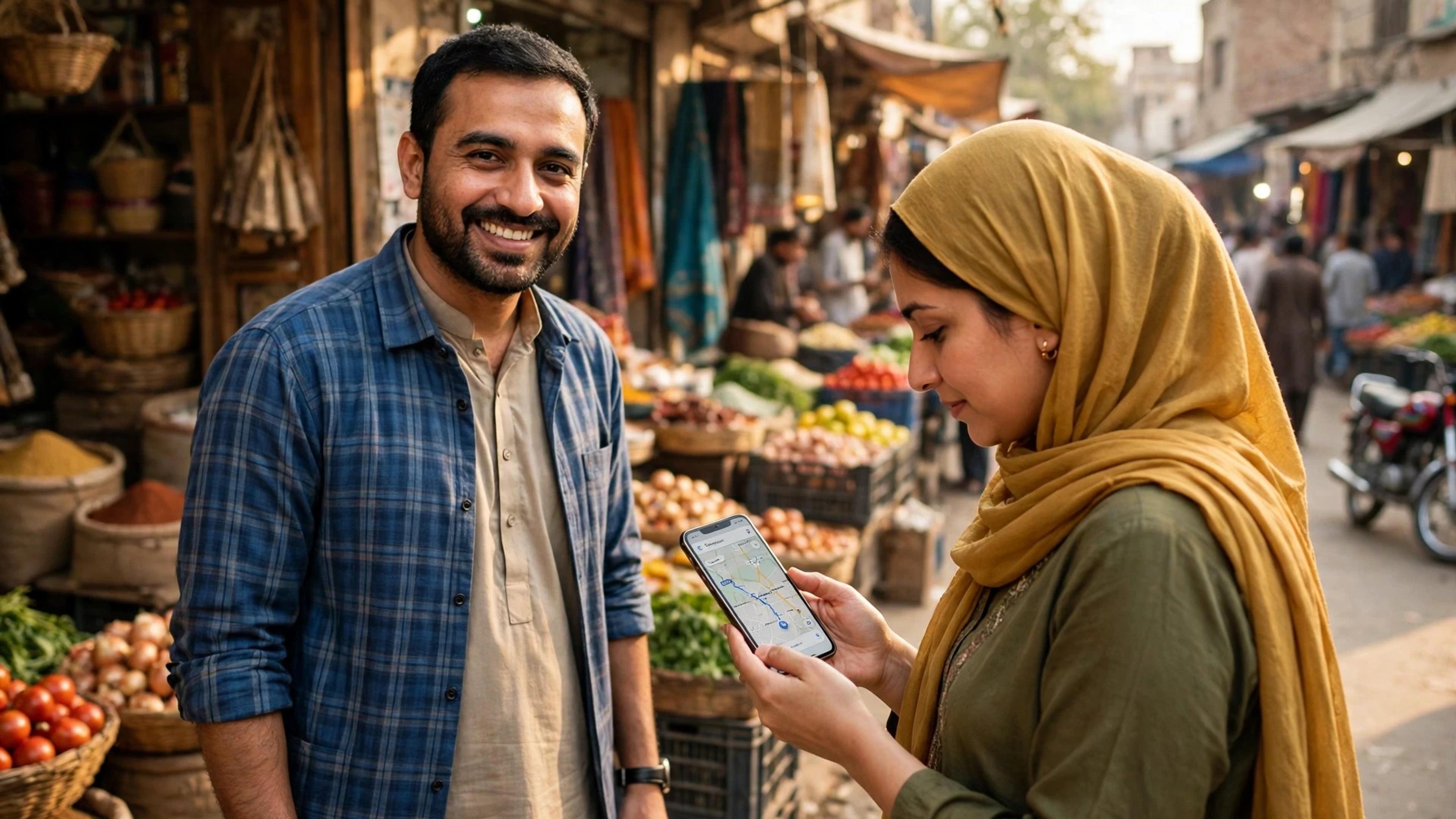
Cover: photorealistic scene, a Pakistani shop owner in a small Lahore shop holding a smartphone showing a Google Maps business listing, a customer checking directions on a phone, busy local market street in the background, warm daylight. Alt text: "How to get more customers from Google Maps Pakistan: a shop owner checking his Maps listing". File: blog-pk-28/cover.webp
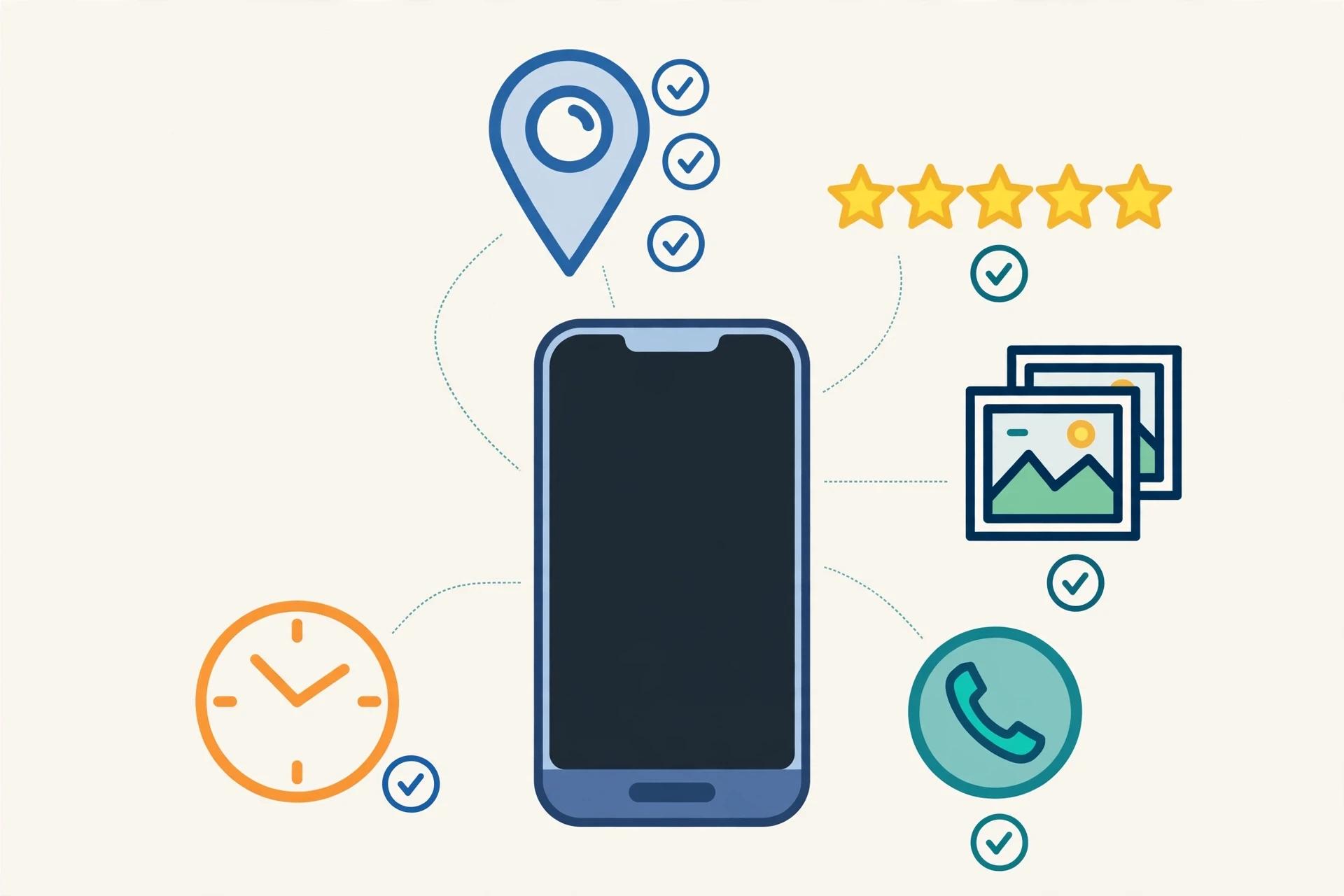
Inline 1 (after the "Reviews: the fastest trust builder on Maps" H2): clean flat illustration of a Google Maps listing checklist for a small business, map pin, star rating, photos, opening hours and a call button arranged around a phone, simple colours. Alt text: "Google Maps listing checklist for a small business in Pakistan". Caption: "A complete listing with reviews, photos, and correct hours wins the customer before they ever visit." File: blog-pk-28/inline1.webp
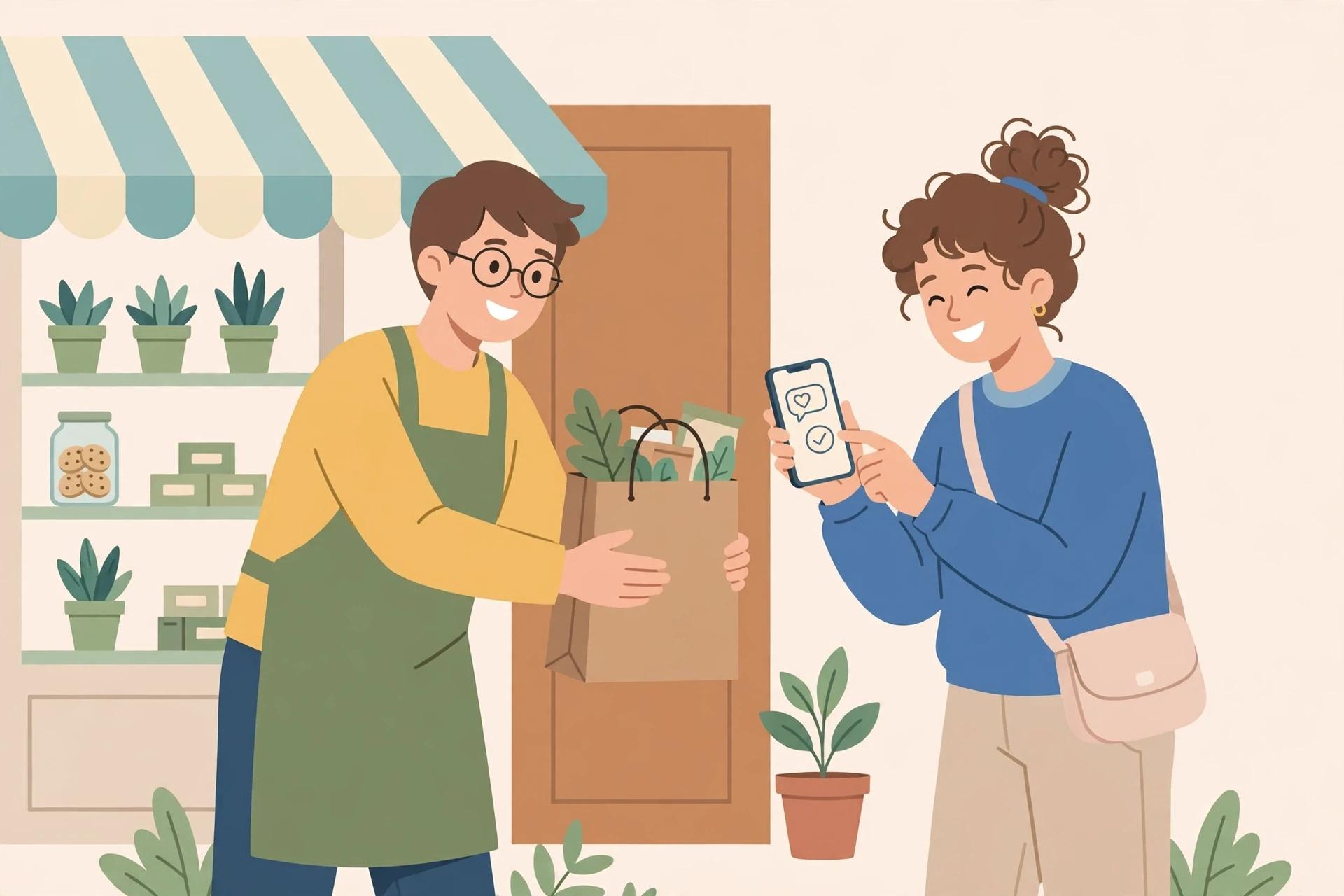
Inline 2 (after the "Turn Maps visitors into WhatsApp messages and walk-ins" H2): clean flat illustration of a happy customer leaving a review on a phone after visiting a local shop, with a shopkeeper handing over a shopping bag, simple colours. Alt text: "Happy customer leaving a Google Maps review for a local shop". Caption: "Ask right after a good visit, and send the review link on WhatsApp while the experience is fresh." File: blog-pk-28/inline2.webp
Want help with this?
Lixber can do it for you.
See how we handle seo for businesses in Pakistan, with a written plan and price after a free call.
Explore lixber.com/seo →Newsletter
One practical tip a week.
Plain-English advice for local businesses. No spam.
Written by
Rehan AliRehan Ali is a software engineer and co-founder of Lixber, a digital agency building websites, SEO and automation for service businesses.
Keep reading
All guides
Google Business Profile for Doctors in Pakistan
A Google Business Profile for doctors in Pakistan puts your clinic on Google Maps when patients search nearby. Setup, verification, reviews and ranking steps for clinics and doctors.
A Google Business Profile for doctors in Pakistan puts your clinic on Google Maps when patients search nearby. Setup, verification, reviews and ranking steps for clinics and doctors.
How to Recover a Lost Google Business Profile in Pakistan
Lost access to your Google Business Profile? This guide shows Pakistani business owners how to recover it step by step, from requesting access to appealing a suspension.
Lost access to your Google Business Profile? This guide shows Pakistani business owners how to recover it step by step, from requesting access to appealing a suspension.

Google Business Profile Verification Problems Pakistan
Google Business Profile verification problems in Pakistan usually mean a failed video, a postcard that never arrives, or a detail that does not match. Here is how to fix each one.
Google Business Profile verification problems in Pakistan usually mean a failed video, a postcard that never arrives, or a detail that does not match. Here is how to fix each one.