
How to Rank Higher on Google Maps Pakistan: A Guide
How to rank higher on Google Maps Pakistan: fix your profile, reviews, photos and local details to reach the map pack and win nearby customers, with a simple 30-day plan.
On this page (10) +
Learning how to rank higher on Google Maps Pakistan starts with one fact: Google shows the nearest, most relevant and most trusted businesses first, not the ones that pay the most. You cannot pay for a better Maps ranking, and nobody can promise you the top spot. But you can control almost everything else, and for most small businesses in Pakistan, that is enough to reach the map pack, the three highlighted businesses shown with the map at the top of local searches.
This guide covers how Maps ranking works, the fixes that matter most, and a simple 30-day plan. It assumes you already have a Google Business Profile. If you do not, claim and verify one first, because an unverified profile has limited visibility.
How Google Maps ranking works in Pakistan
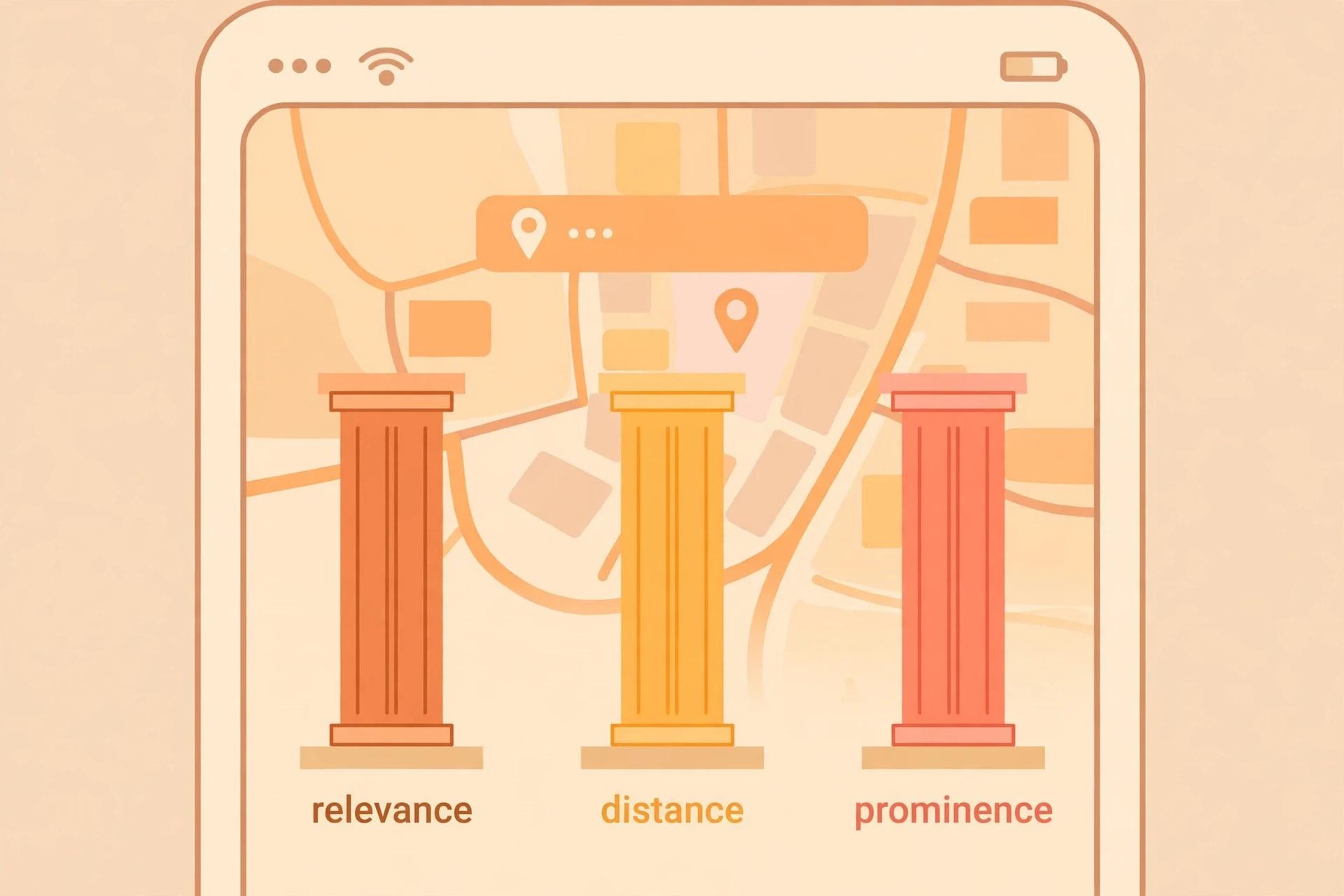
Google has said local results depend mainly on three factors: relevance, how well your profile matches the search; distance, how close you are to the searcher or the place named; and prominence, how well known and trusted you are, based on reviews, ratings, photos, links and mentions across the web.
You cannot change distance: a customer in Gulberg sees different results from one in DHA for the same search. What you can change is relevance and prominence, and that is where all the work below sits.
Maps ranking is also local. You are not competing with every salon or clinic in Pakistan, only with the handful near your customer. A few weeks of steady work can move you past competitors who set up their profile once and never touched it again.
How to rank higher on Google Maps Pakistan: fix your profile first
Your profile is the foundation. Work through this checklist first.
- Use your real business name. Use the name on your signboard, exactly as customers know it. Do not add keywords, city names or taglines: Google's rules forbid this, and it can get your profile suspended.
- Pick the most specific primary category. A dental clinic should choose Dentist or Dental Clinic, not the broader Medical Clinic. Add secondary categories only if they truly describe what you do.
- Fill in everything. Add your full address, phone number, website, opening hours and a business description in plain words customers search for, plus your services and products under the names customers use.
- Set your service area honestly. If customers come to you, your address does the work. If you travel to customers, list only the areas you genuinely serve, such as Johar Town, Gulberg and DHA in Lahore.
- Keep hours accurate, including holidays. Wrong hours lose customers and earn bad reviews, so update Eid timings and seasonal hours before customers arrive to a closed door.
A complete profile is the first step in how to rank higher on Google Maps Pakistan, and it also helps Google match you to more searches, since every service you list is another way a customer can find you. Keep the information identical everywhere online, because mismatched details confuse Google and weaken your ranking.
Reviews: the factor customers trust most
If one factor separates the top three Maps results from the rest, it is reviews. Google has said that more reviews and positive ratings can help local ranking, and customers read them before they call. A profile with recent, genuine reviews looks alive, while one with no reviews looks risky, even if the business is good.
Ask every happy customer, at the right moment. For most Pakistani businesses, WhatsApp works best, because customers open it far more than email. Send one short message the same day as the visit, with your Google review link, asking for an honest review. Never offer a discount or freebie in exchange for a review, and never ask for a specific star rating: Google removes incentivised reviews and can suspend the profile.
Reply to every review, good and bad. A short, specific thank you shows a real person runs the business, and a calm reply to a complaint shows even more. If a review is fake or breaks the rules, reply politely, then report it and wait for Google's decision.
Photos, posts and activity keep your profile alive
Photos are one of the simplest Google Maps ranking tips, and one of the most ignored. Profiles with real, recent photos get more views, calls and direction requests than profiles with a single logo. Upload your exterior, so customers recognise the place, your interior, your team at work, and your real products or finished work. Add new photos regularly, keep them clear and well lit, and never use stock photos of someone else's shop.
Posts work the same way. A short weekly post, an Update about a new service, an Offer with real dates, or an Event for a specific day, shows customers and Google the business is active. Posts alone do not push you to the top, but they support everything around ranking: more views, more clicks and more calls.
Your website and consistent business details
Your profile does not rank alone. Google also looks at your website and at how your business details appear across the web. A fast, mobile-friendly website with your address, services and contact details helps you rank higher and turns profile visitors into enquiries. If your site is slow on mobile data, or shows an old address or number, fix that first. A clean, simple web design that loads quickly on a phone beats a fancy site customers never wait for.
Consistency matters just as much. Your name, address and phone number should match exactly on your website, your Facebook page and any directories you are listed in. Inconsistent details confuse Google about which listing is real, and that weakens your ranking. Pick one format and use it everywhere, and if you move or change your number, update every listing the same week.
Local pages help too. If you serve more than one area, a page for each main area, with genuinely useful local content, helps Google connect you to searches from that area. Do not copy the same page and swap only the area name.
"Near me" searches and the local map pack Pakistan
Many customers never type a city name at all. They search "salon near me" or "dentist near me", and Google answers using their location. You cannot rank for "near me" searches by stuffing those words into your profile. For how to rank higher on Google Maps Pakistan in "near me" results, make sure your address is accurate, your service area is honest, and your profile is complete and active, so a nearby customer search can confidently show you.
The local map pack Pakistan customers see, those top three results with the map, is won on the same factors: a complete profile, the right category, genuine reviews, real photos and consistent details. Businesses there get the calls, direction requests and walk-ins, while businesses below it appear in a longer list far fewer customers scroll through.
If you serve a whole city rather than one neighbourhood, do not expect to rank everywhere at once. Focus first on the area around your actual location, where distance works in your favour, and build outward over time.
What not to do: mistakes that hurt your Maps ranking
Some shortcuts look tempting and all of them backfire. Do not buy fake reviews, or ask friends or staff to post reviews pretending to be customers. Google detects and removes these, and a suspension can hide your profile entirely. Do not add keywords to your business name, create multiple profiles for one location, or list a fake address where you do not operate. Do not hire anyone who guarantees a number one Maps ranking: Google states clearly that there is no way to request or pay for a better local ranking.
| Mistake | Why it hurts |
|---|---|
| Fake or bought reviews | Removed by Google, and can lead to suspension |
| Keywords stuffed into the business name | Against Google's rules, risks suspension |
| Multiple profiles for one location | Splits your reviews and confuses Google |
| Fake address or areas you never serve | Customers arrive at the wrong place and leave bad reviews |
| Ignoring reviews and questions | Looks inactive, and loses customers to competitors who reply |
How to rank higher on Google Maps Pakistan: your 30-day plan
Follow this plan, one week at a time.
Week 1: Fix the profile. Complete every field, pick the most specific category, add services, correct your hours and upload at least ten real photos, and check your details match your website and Facebook page.
Week 2: Start the review habit. Set up your review link and QR code, ask every happy customer the same day, and reply to every existing review with a short specific message.
Week 3: Publish and answer. Post one genuine update, add five more photos, and answer any unanswered questions on your profile.
Week 4: Build your local presence. Make sure your website shows your address and services clearly, fix any listing with old details, and add one local page for your main area if you serve several neighbourhoods. Then repeat: one post a week, new photos when you have them, and a review request after every happy customer.
Results take time. You may see more profile views and calls within weeks, but stronger map rankings usually take a few months of steady work. Track profile views, calls, direction requests and website clicks, not just your position: if those rise, the ranking usually follows. If the whole routine feels like too much to run alone, Lixber's SEO team can handle it for you, and a clean, mobile-friendly design supports the same trust.
Frequently asked questions
How long does it take to rank higher on Google Maps in Pakistan? You may see more views and calls within a few weeks of completing your profile and gathering reviews, but stronger map rankings usually take a few months of steady work.
Can I rank on Google Maps without a website? Yes, a verified profile alone can appear on Maps. But a simple, fast website with your address, services and contact details helps you rank higher and turns visitors into enquiries, so it is worth having one.
How many Google reviews do I need to rank higher? There is no fixed number. A steady flow of recent, genuine reviews matters more than a large old total. Start with your first ten, then keep asking after every happy customer and reply to each one.
Does my business address affect my Google Maps ranking? Yes, distance is one of Google's three main local ranking factors. Customers see nearby businesses first, so an accurate address helps. You cannot fake a location, but you can serve nearby areas honestly through your service area and local website pages.
Can I pay Google to rank higher on Maps? No. Google states there is no way to request or pay for a better local ranking. Anyone selling a guaranteed top position is misleading you, and shortcuts like fake reviews can get your profile suspended.
Learning how to rank higher on Google Maps Pakistan comes down to a simple routine: a complete and honest profile, steady genuine reviews, real photos, regular posts, and the same business details everywhere. Do that week after week, and your business becomes the one nearby customers find, trust and call first. Message Lixber on WhatsApp or book a free call: https://www.lixber.com/#contact
8. Images
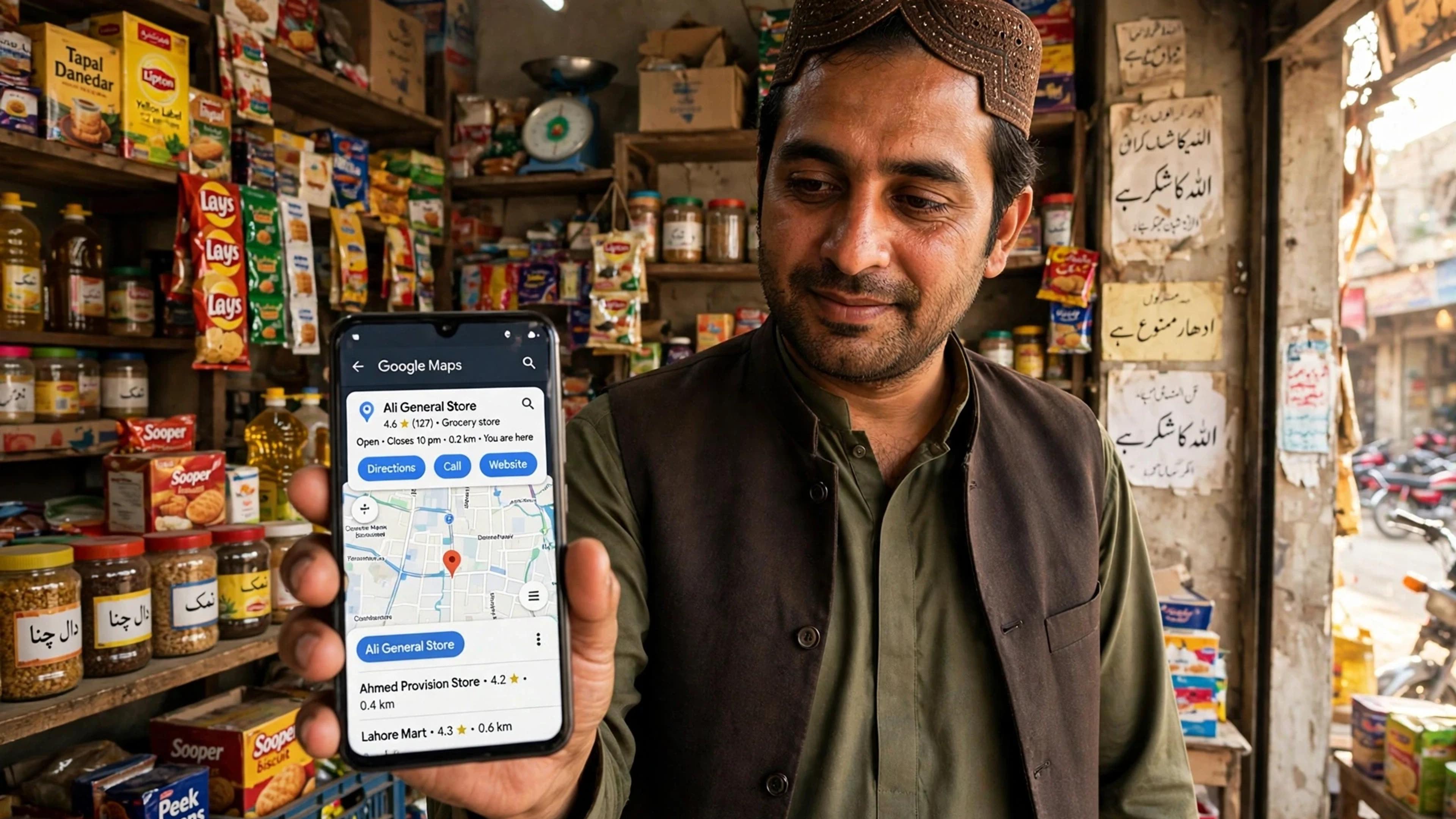
Cover: photorealistic scene, a Pakistani small business owner in a Lahore shop holding a smartphone showing a Google Maps screen with his shop highlighted near the top of local search results, shop shelves and warm daylight in the background. Alt text: "How to rank higher on Google Maps Pakistan: a business owner checking his shop's Maps ranking on a phone". File: blog-pk-23/cover-rank-higher-google-maps-pakistan.webp
Inline 1 (after the "How Google Maps ranking works in Pakistan" H2): clean flat illustration of three labelled pillars on a smartphone map screen, relevance, distance and prominence, simple modern style, warm colours. Alt text: "The three Google Maps ranking factors: relevance, distance and prominence". Caption: "Relevance and prominence are yours to improve; distance is fixed, so win the customers nearest to you." File: blog-pk-23/inline1-three-maps-ranking-factors.webp
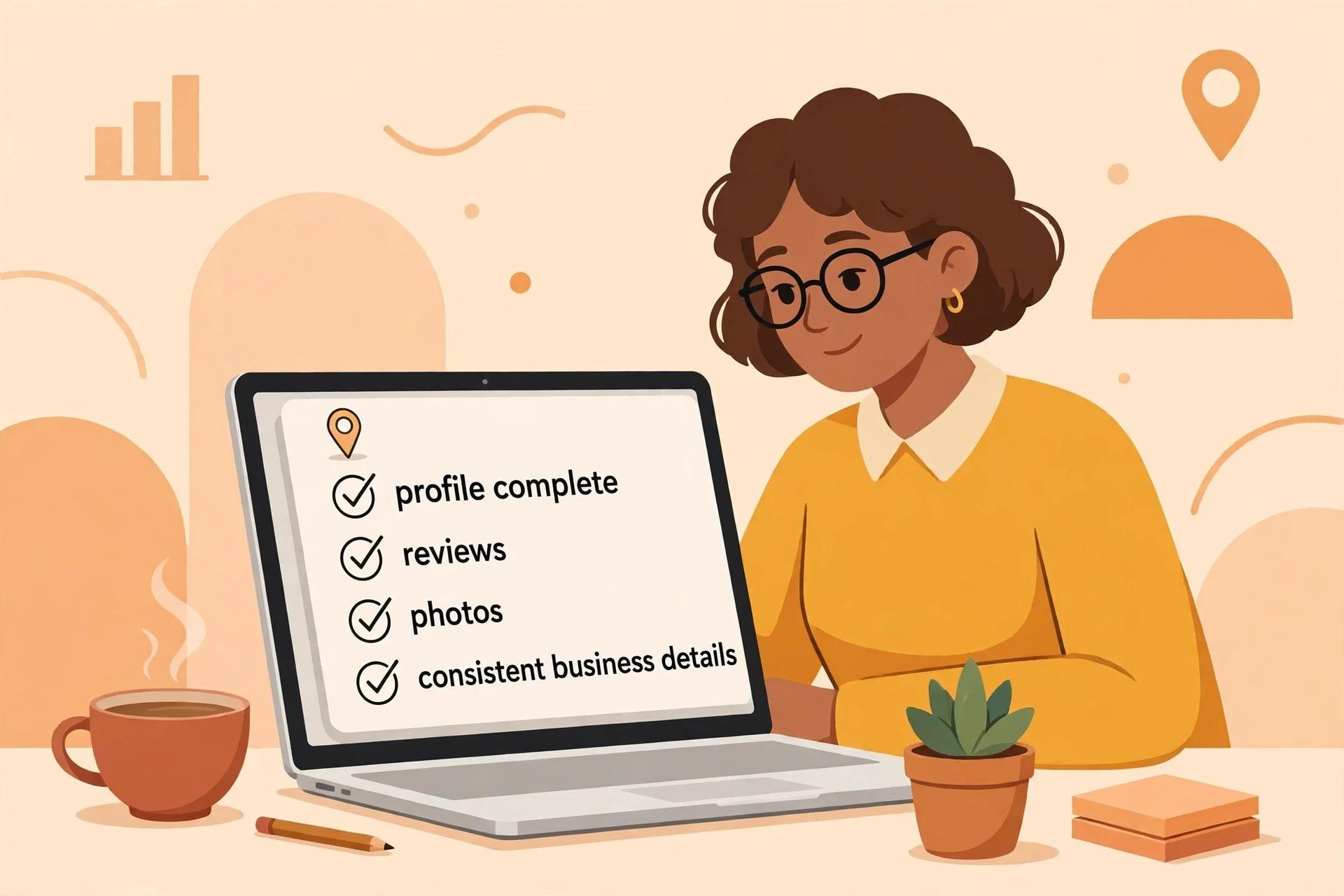
Inline 2 (after the "How to rank higher on Google Maps Pakistan: your 30-day plan" H2): clean flat illustration of a business owner checking a Google Maps ranking checklist on a laptop, profile complete, reviews, photos and consistent business details, simple modern style, warm colours. Alt text: "How to rank higher on Google Maps Pakistan: a weekly checklist for profile, reviews and photos". Caption: "One short checklist, repeated weekly, does more for Maps ranking than any one-time setup." File: blog-pk-23/inline2-maps-ranking-checklist.webp
Want help with this?
Lixber can do it for you.
See how we handle seo for businesses in Pakistan, with a written plan and price after a free call.
Explore lixber.com/seo →Newsletter
One practical tip a week.
Plain-English advice for local businesses. No spam.
Written by
Rehan AliRehan Ali is a software engineer and co-founder of Lixber, a digital agency building websites, SEO and automation for service businesses.
Keep reading
All guides
Google Business Profile for Doctors in Pakistan
A Google Business Profile for doctors in Pakistan puts your clinic on Google Maps when patients search nearby. Setup, verification, reviews and ranking steps for clinics and doctors.
A Google Business Profile for doctors in Pakistan puts your clinic on Google Maps when patients search nearby. Setup, verification, reviews and ranking steps for clinics and doctors.
How to Recover a Lost Google Business Profile in Pakistan
Lost access to your Google Business Profile? This guide shows Pakistani business owners how to recover it step by step, from requesting access to appealing a suspension.
Lost access to your Google Business Profile? This guide shows Pakistani business owners how to recover it step by step, from requesting access to appealing a suspension.

Google Business Profile Verification Problems Pakistan
Google Business Profile verification problems in Pakistan usually mean a failed video, a postcard that never arrives, or a detail that does not match. Here is how to fix each one.
Google Business Profile verification problems in Pakistan usually mean a failed video, a postcard that never arrives, or a detail that does not match. Here is how to fix each one.